Everything that matters on site. Nothing that gets in the way.
WORK-ID was built for Austrian construction sites: posted workers with monthly records, ZKO and A1, VAT number lookup, an inspection folder – in plain everyday language.
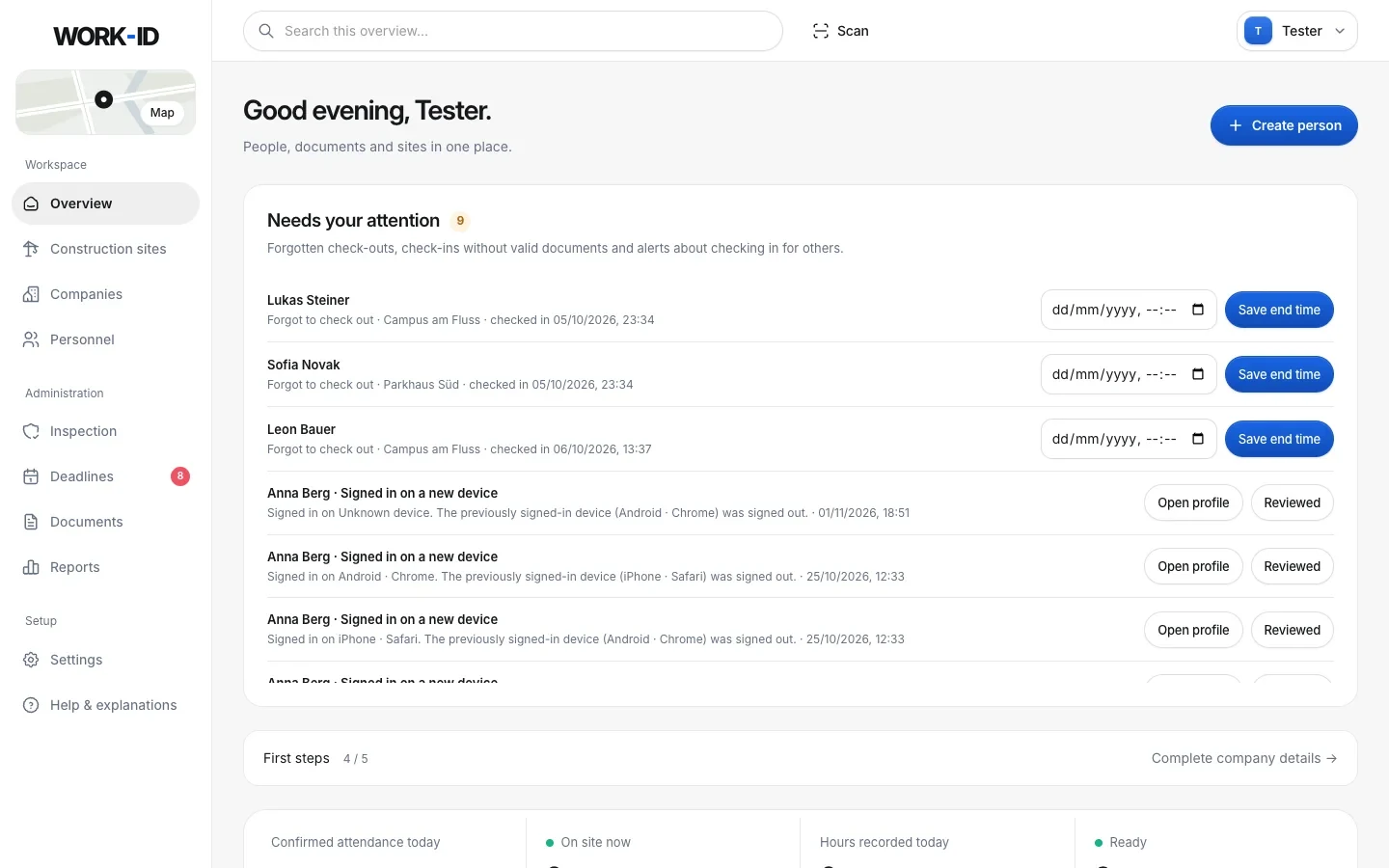
Every person, every company, one status.
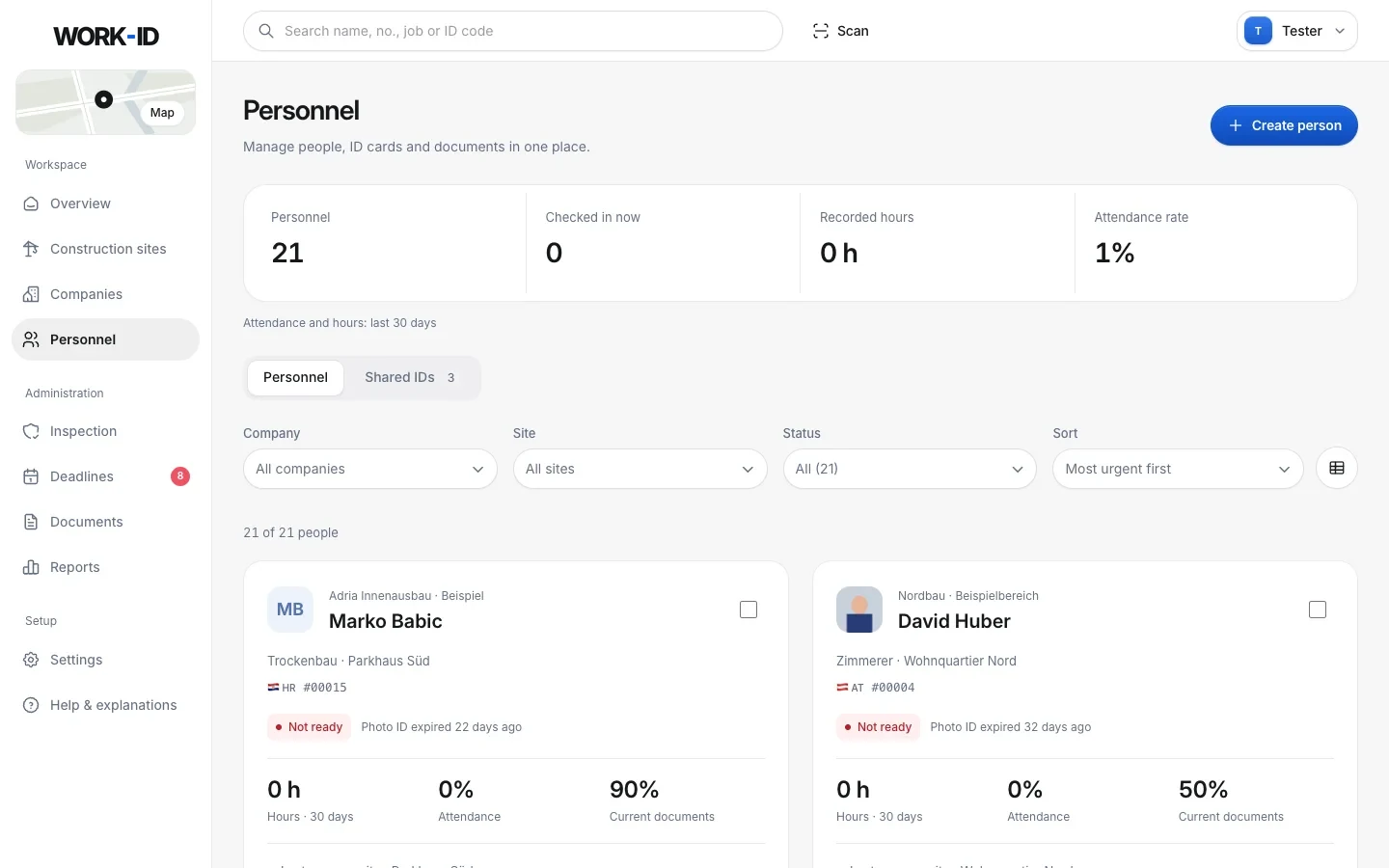
The central personnel list shows everyone from your company and your subcontractors – as cards or a table, filtered by company, site and status.
- Traffic light per person: ready, expiring soon, not ready – always with the reason in words.
- Add a person with 4 required fields: first name, last name, nationality, company. Everything else later.
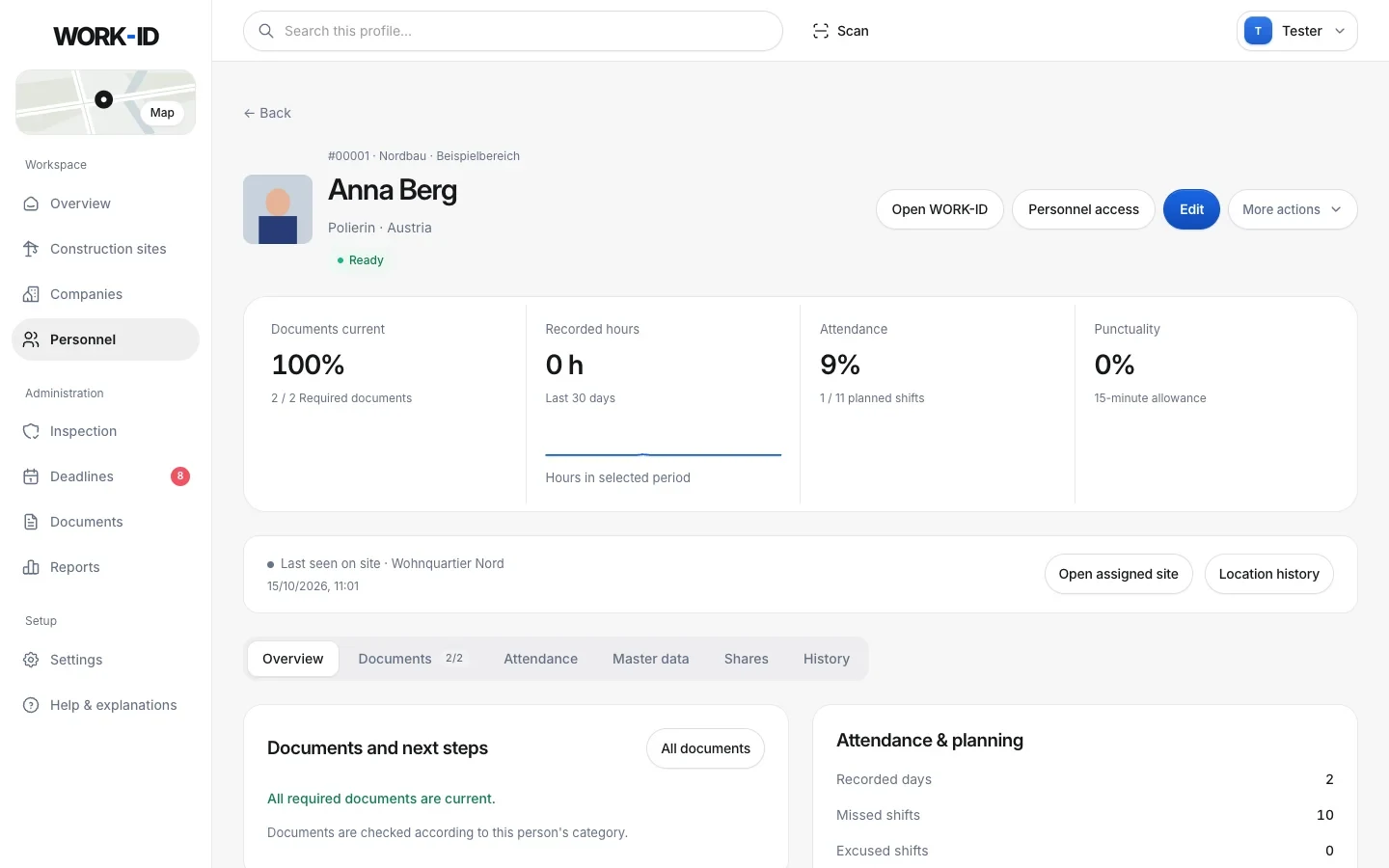
- Profile page with documents, attendance, hours, punctuality, details, shares and history.
- Multi-select: assign a site, print ID cards, export.
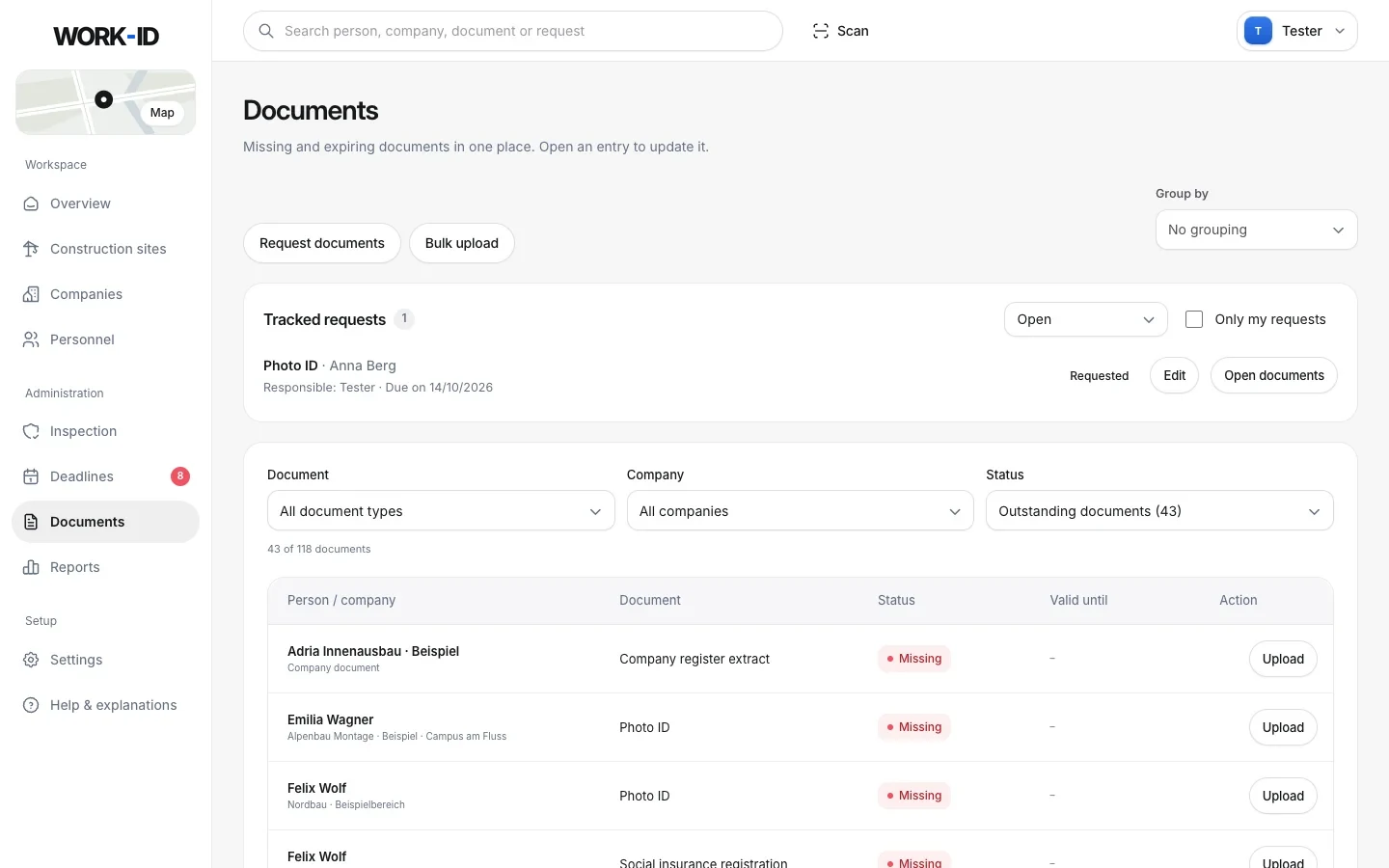
Which papers who needs – WORK-ID knows.
Required documents follow from how a person is classified: employed in Austria, posted from another EU country, a non-EU citizen posted by an EU company, or employed in Austria with a residence permit.
- Posted workers: A1, ZKO notification, posting contract, wage classification – working time, payroll record, payslip and proof of payment every month.
- Company documents: company register, trade licence, HFU list, tax clearance certificate, liability insurance.
- Upload as PDF or photo – straight from the phone camera too. Older versions are kept.
- Documents page: everything missing or expiring in one table – with bulk upload and tracked requests.
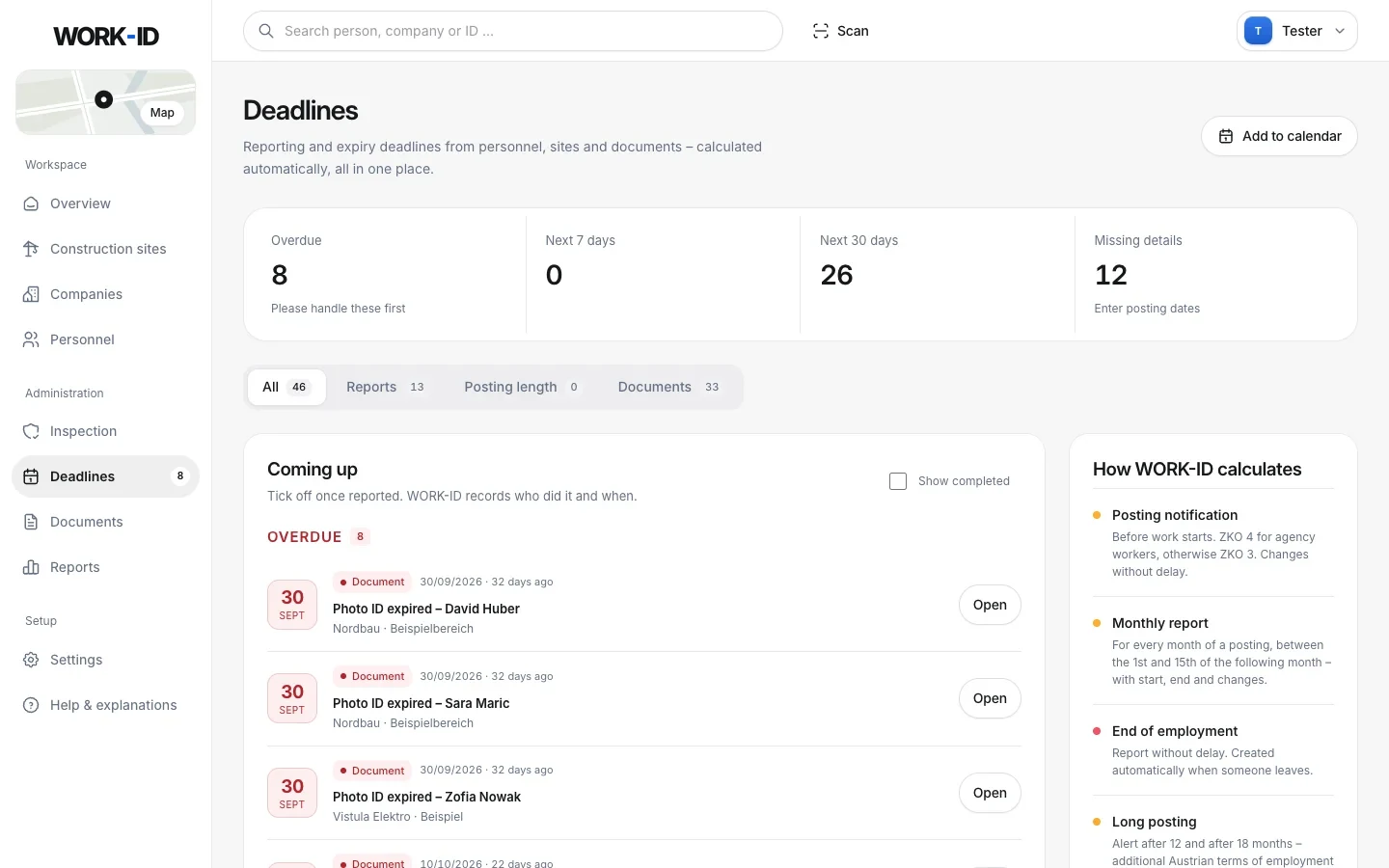
Every reporting deadline before it gets urgent.
From posting start and end dates, leavers and documents, WORK-ID calculates every deadline for your company – on its own “Deadlines” page, sorted by urgency.
- ZKO notification before work starts – ZKO 3 for postings, ZKO 4 for agency workers.
- Monthly report between the 1st and 15th of the next month for every month of a posting, end of employment reported without delay.
- Long postings: a timeline per person with alerts from 12 and from 18 months.
- Tick off with history – who reported what and when – and everything as a calendar file for Outlook, Google or the phone.
Data sheet in, complete person out.
Upload a data sheet from your current program as a PDF. The AI reads the personal details, finds the profile photo and splits every document into its own PDF – with its expiry date or payroll month.
- Just the scan: logos, headers and footers from other programs are cropped away.
- If an ID's expiry date is missing, the AI takes a second, targeted look at the ID pages.
- You stay in control: the form is pre-filled, and nothing is saved until you have checked it.
- Only with consent: the AI import only starts once you explicitly confirm it.
An ID card for everyone – no card orders.
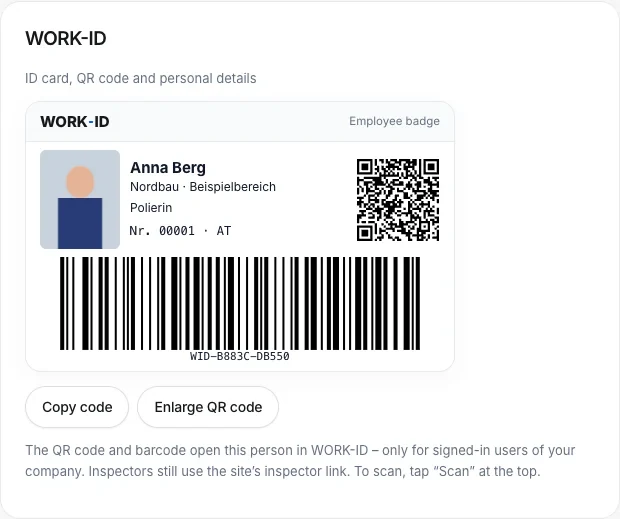
Every person has an employee number and an ID code (WID-XXXXX-XXXXX) with a QR code and barcode. Print in credit-card format, one at a time or in bulk – or show it on the phone in the worker portal.
- Scan with the phone camera (iPhone and Android), a handheld scanner or by typing – the person opens instantly.
- Use the normal iPhone camera to scan the QR code: WORK-ID opens the person after login.
- Other ID card & NFC: store the number of another site card or link an NFC card – scan with an Android phone or a USB reader.
- Company logo on the card – found automatically via the VAT number or uploaded yourself.
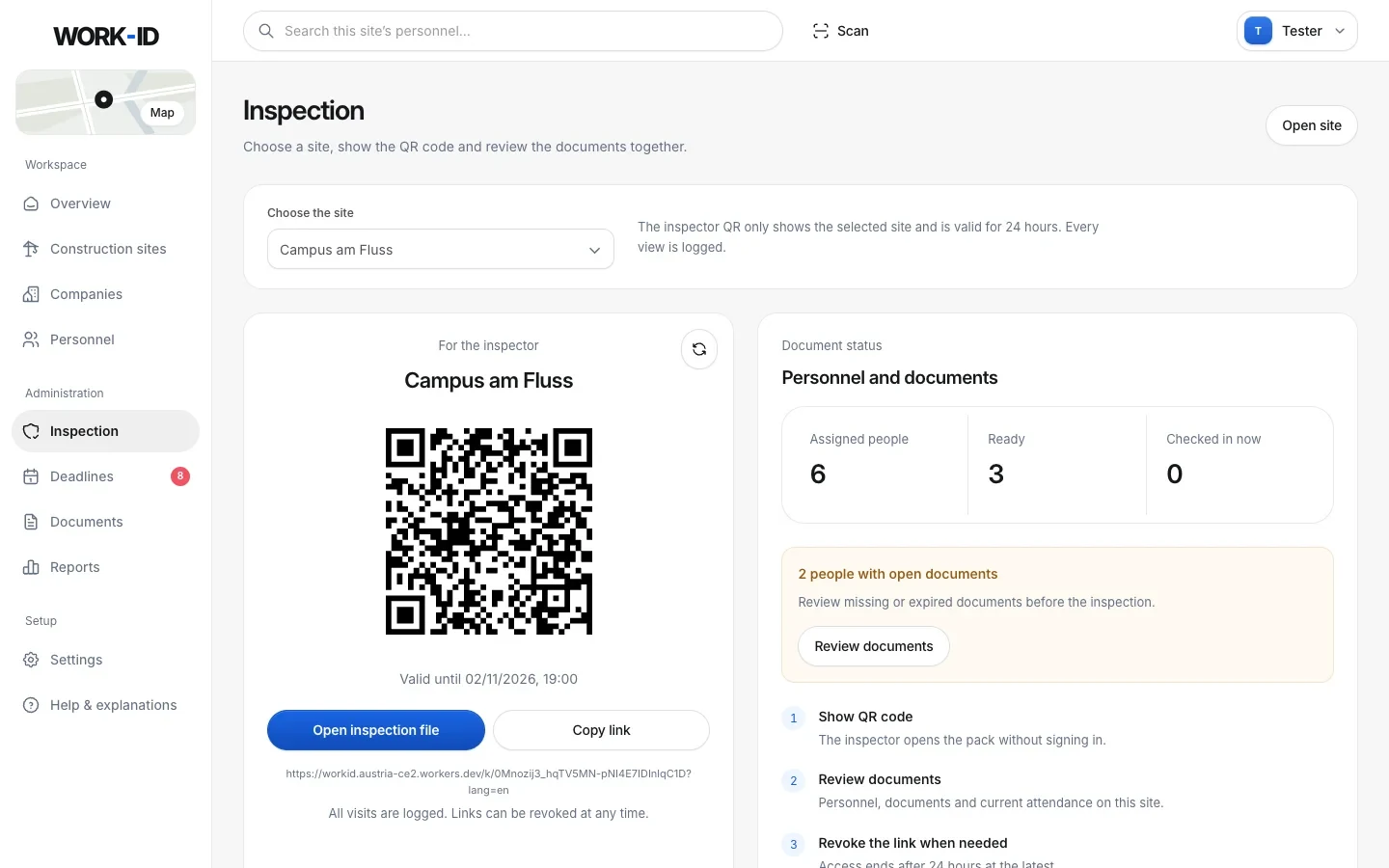
Inspection folder by QR code.
Choose the site, show a fresh QR code. The inspector – for example the financial police or ÖGK – sees this site's inspection folder with all people and documents for 24 hours.
- No account needed for the inspector, in German or English, printable.
- Only the chosen site – switching or reopening creates a new link.
- Revocable, and every access is logged.
- See what's missing first: the site's readiness and open documents right next to it.
Paper in the site hut? No longer needed.
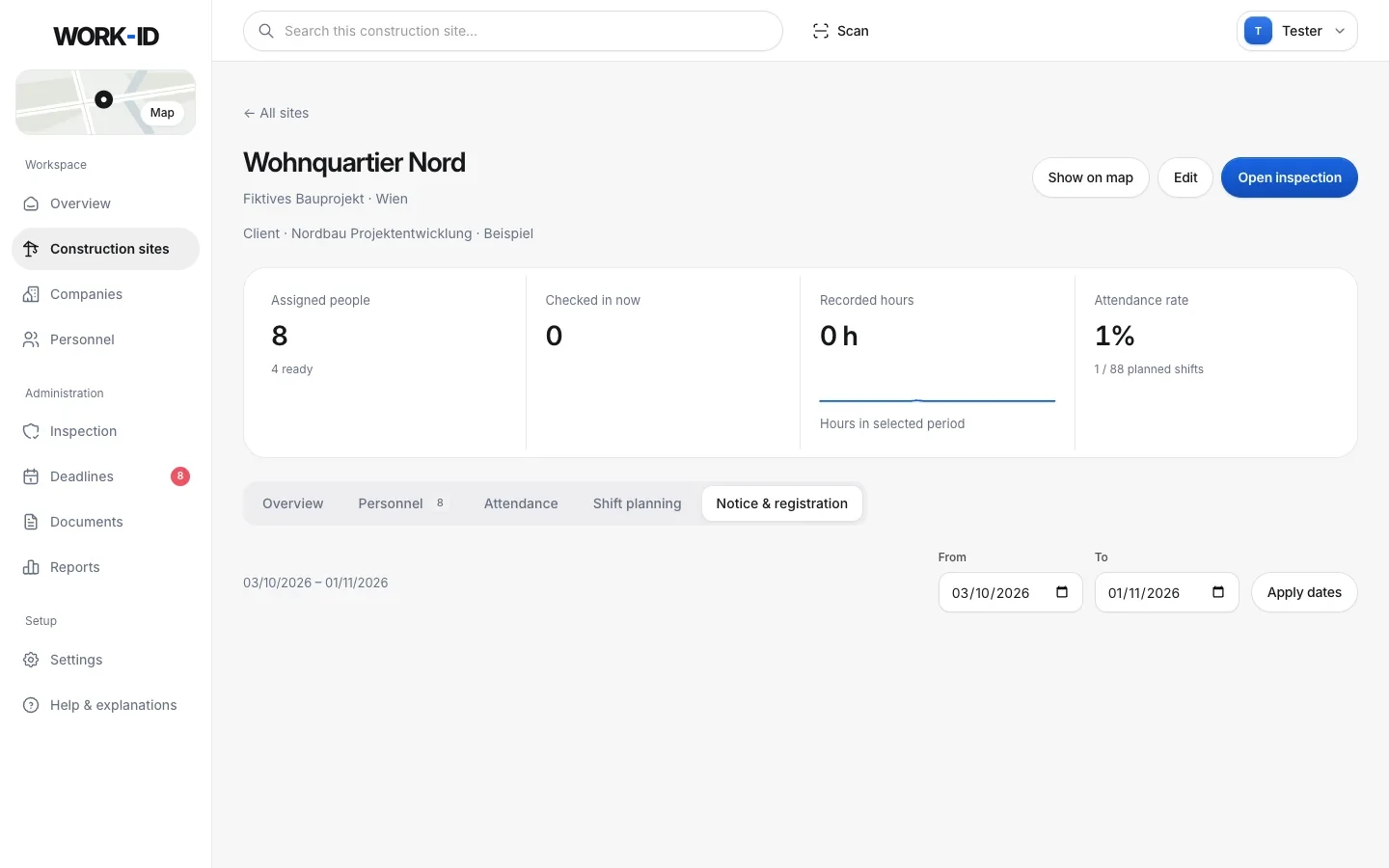
For each site you record when it was registered and who the contact person on site is. One click creates the notice to put up – in German and English, with a QR code.
- A4 notice: payroll records are made electronically accessible on site during an inspection, contact person with phone number, companies on site.
- A QR code for everyone: shows the site, contact person and companies – no people, no documents. Revocable at any time.
- ZKO checklist per posted worker: notification before work starts, confirmation and A1 uploaded, this month's payroll records in place.
- Agency workers: mark companies as staffing agencies – the checklist, deadlines and notice adapt.
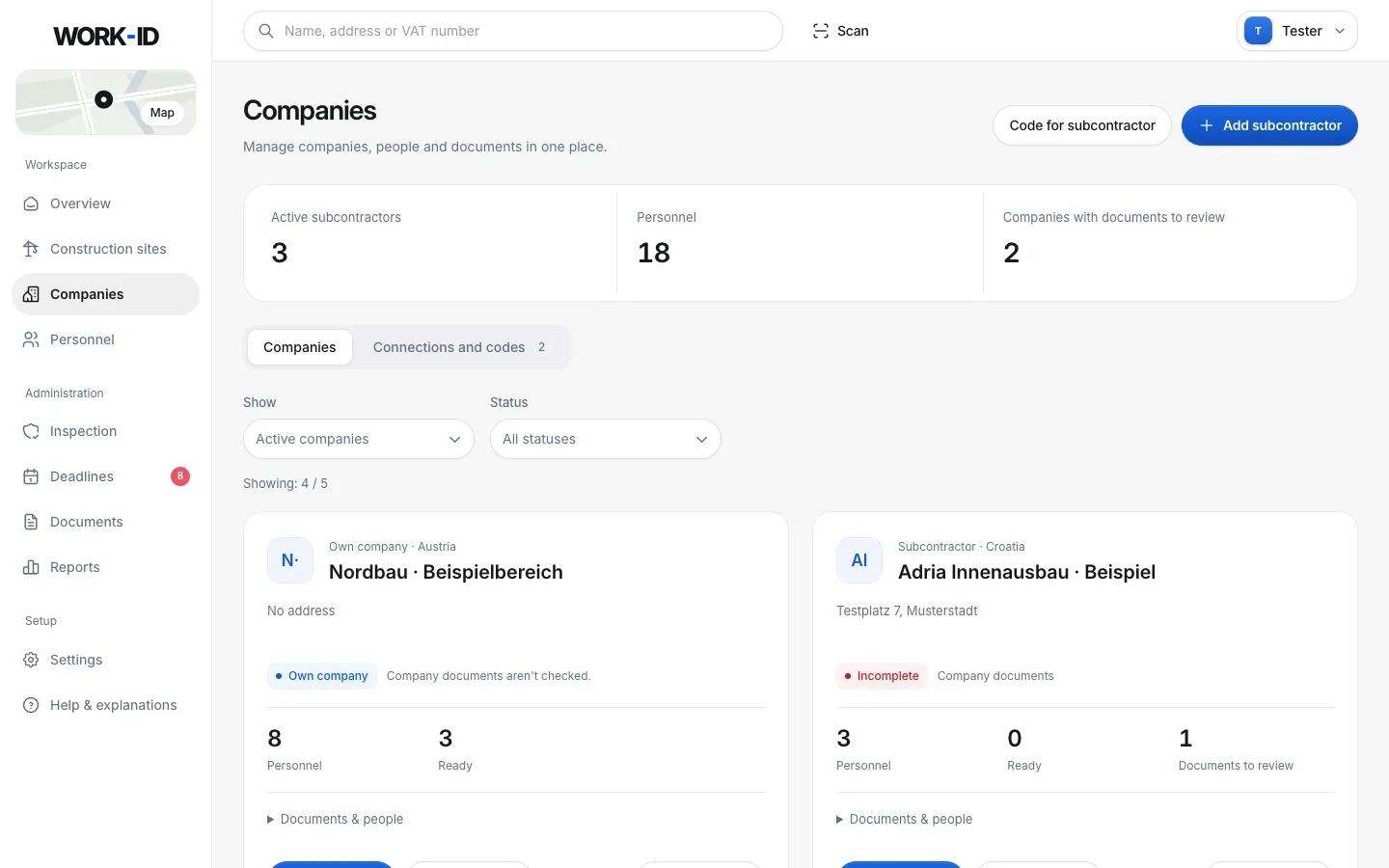
Subcontractors assign their own people.
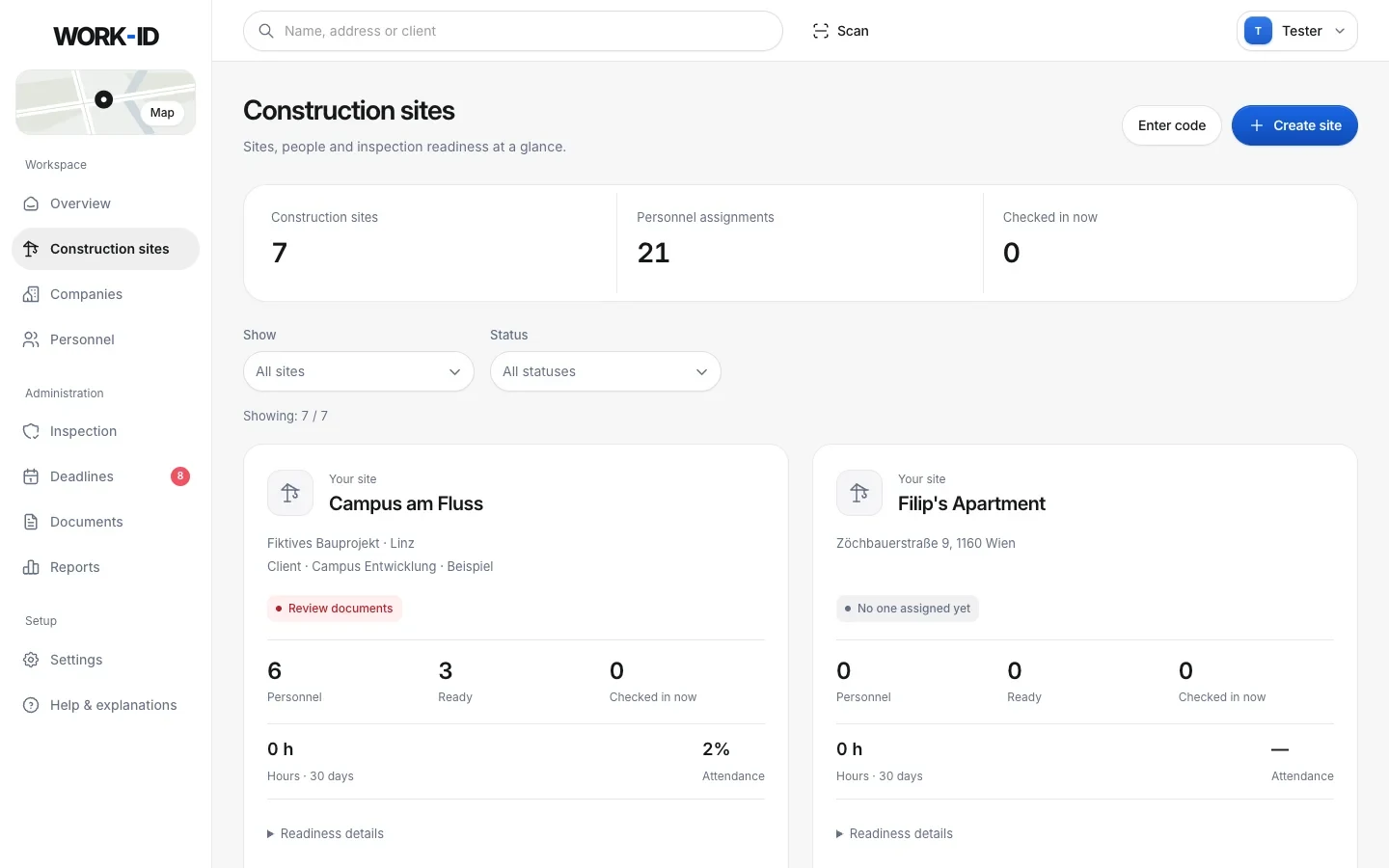
Your own sites and your clients' sites in consistent cards – with address, people, readiness and current check-ins.
- Site code: tick one or more sites, send the code by WhatsApp, email or link – valid for 30 days.
- The subcontractor enters the code (or signs up with it directly) and assigns its people.
- Live, not a copy: you see the people and documents, the subcontractor keeps them up to date.
- Add companies by VAT number – with duplicate detection and automatic logo.
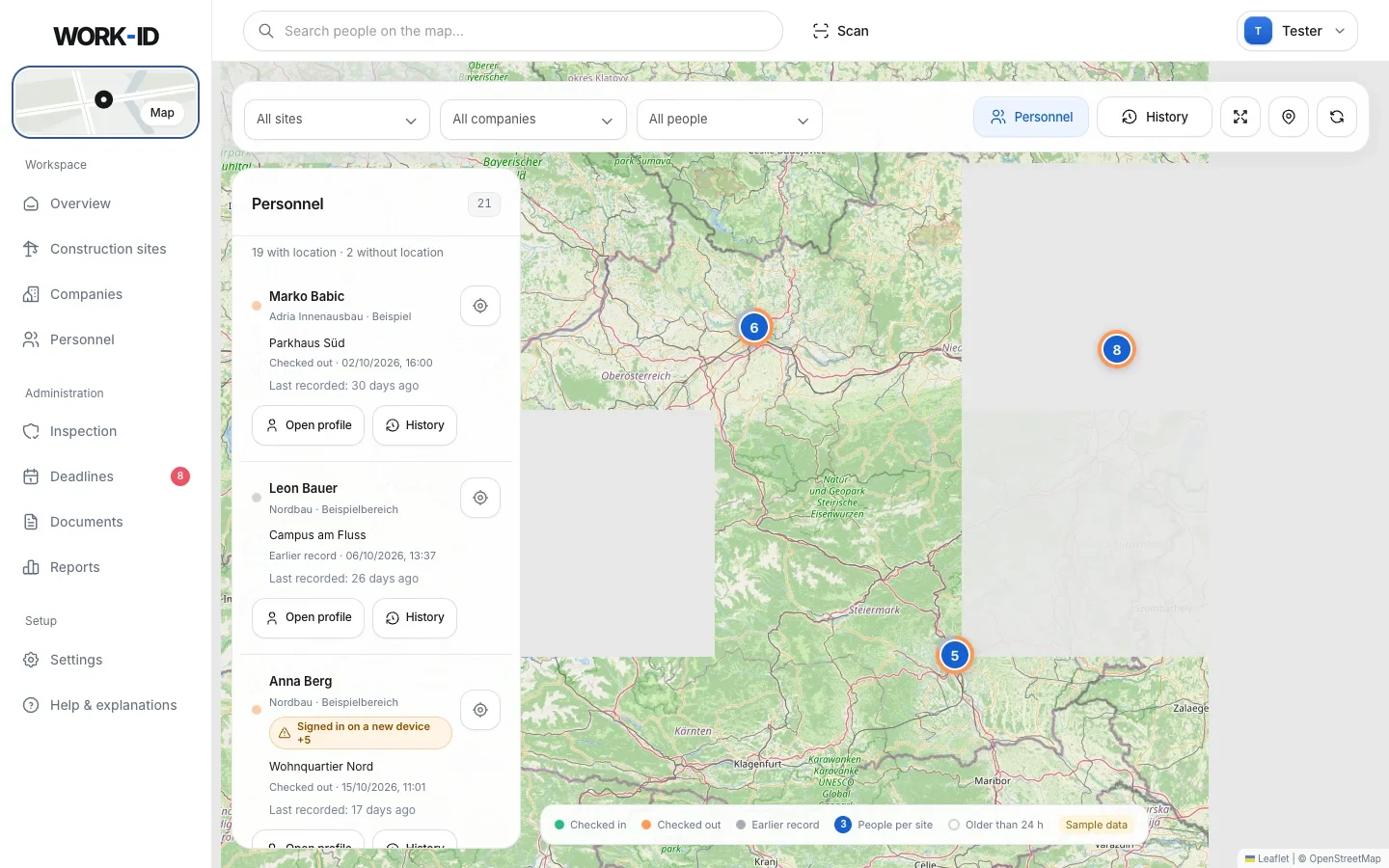
Who is checked in where – on one map.
The map fills the whole workspace. Personnel list on the left, filters by site, company and attendance on top, history and site locations in their own windows.
- Last site and time per person with status: checked in, checked out, earlier.
- History filtered by keyword, area and period, exportable as CSV.
- Site points are set once by the office – they are the basis for check-in.
- No constant tracking – only check-ins appear on the map.
For workers: only their own data.
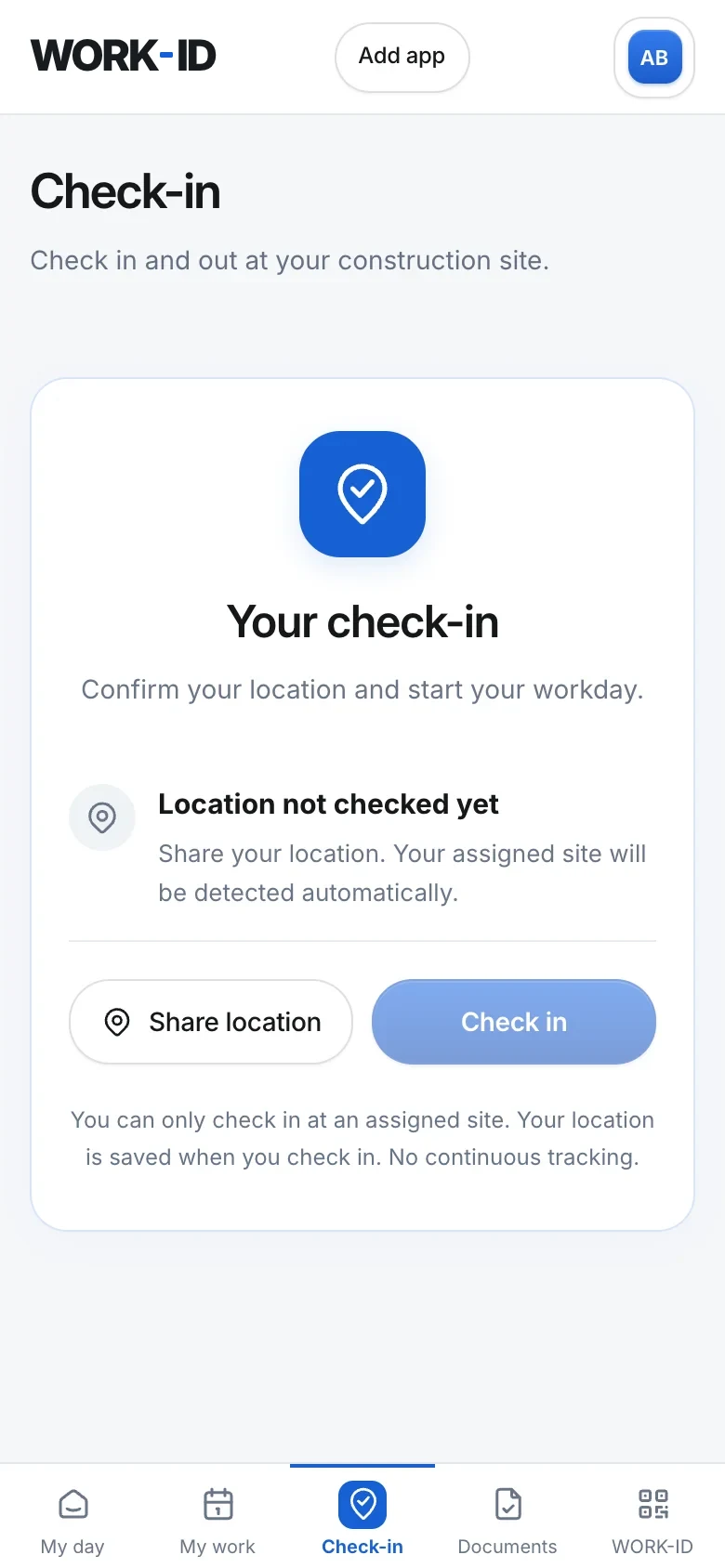
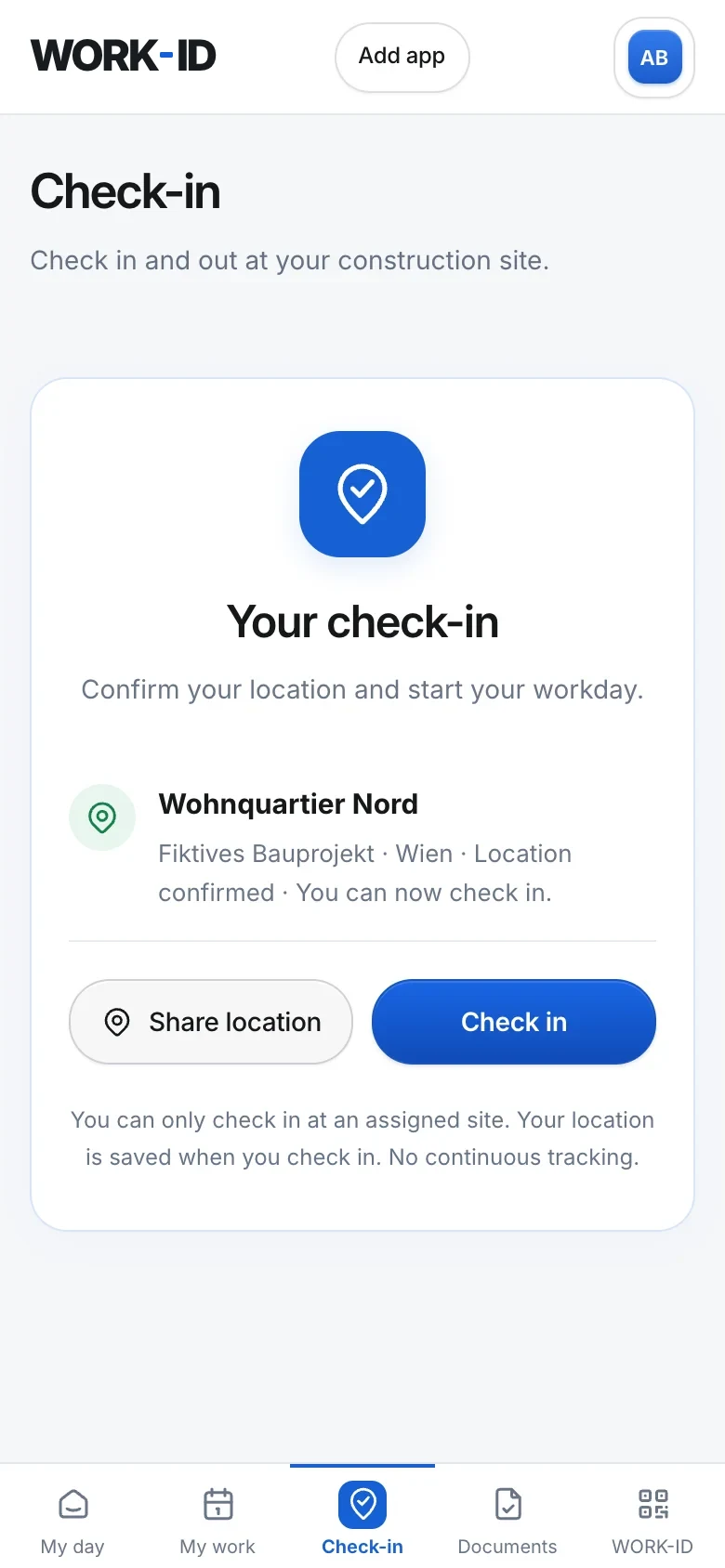
Workers can get their own login. They only see their own data – never their colleagues'.
- My day: today's shifts, planned and recorded hours.
- Assignments: rota and past history together.
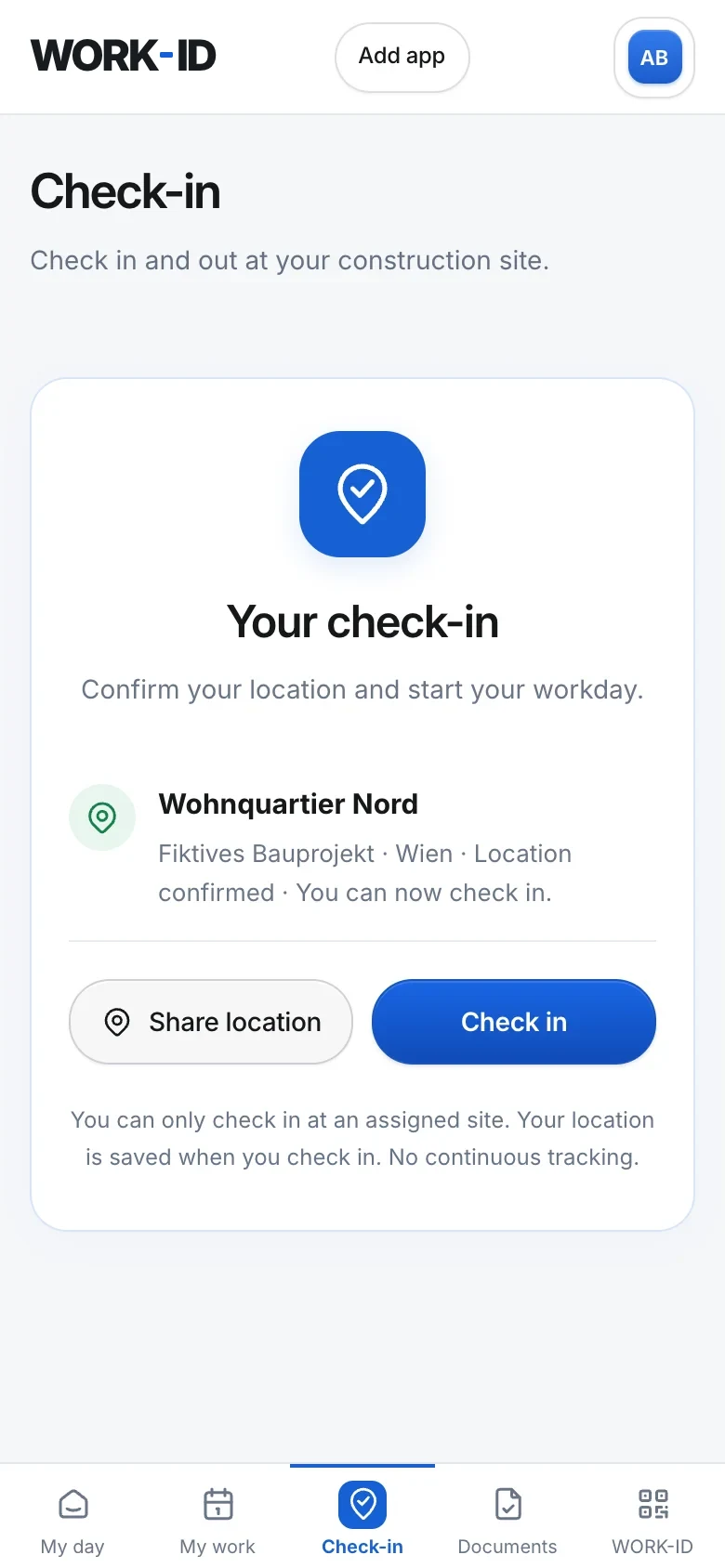
- Check-in with location verification – in the middle of the navigation, one tap away.
- Documents and WORK-ID card always on the phone – in 13 languages, from Polish and Romanian to Hungarian, Turkish and Bulgarian.
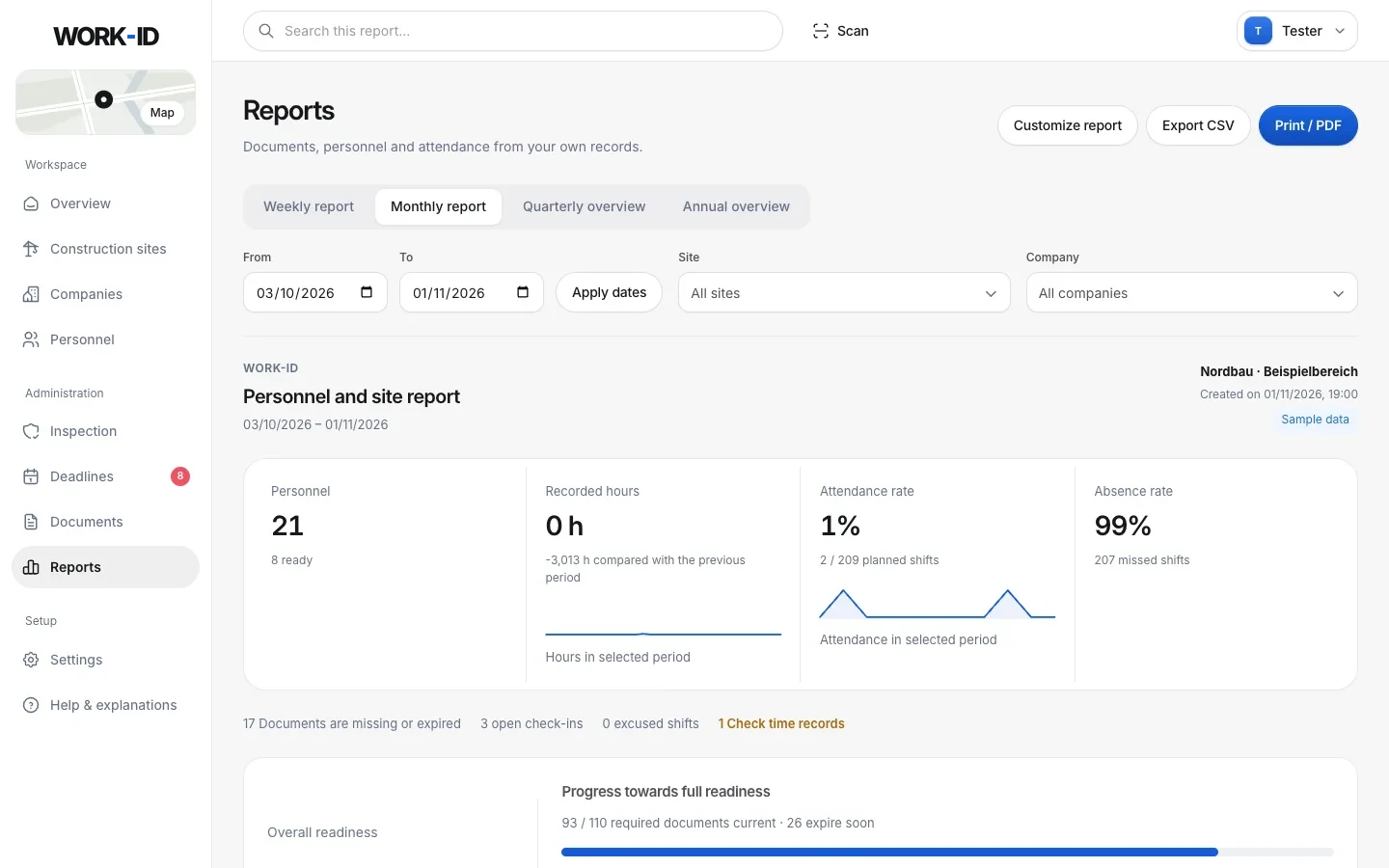
Numbers that actually run a site.
Pick a period, site and company: document progress, readiness, people, hours, attendance and absence – with a timeline and comparisons.
- Weekly, monthly, quarterly and yearly reports – choose the sections, export as CSV or print/PDF.
- Shift planning per site: create, excuse, cancel, with overlap checks.
- Fairly calculated: rates only count finished planned shifts, open check-ins don't count as hours.
- Rankings “Best prepared” and “Needs support” – they rate preparation, not quality of work.
Everyone on the team with the right permissions.
The owner manages the team. Ready-made roles for office, site manager and read only – or set permissions one by one. Enforced on the server, not just in the interface.
- The owner manages the team and can transfer or delete the workspace.
- Site managers see what they need on site – without company administration.
- Irreversible steps only with password confirmation.
- History: who changed what and when – filterable and exportable.
Your data belongs to you.
All data transfers in one place under Settings → Import & export. The office works in German, English, Polish, Romanian, Bosnian, Croatian or Serbian – the worker portal also in Czech, Slovak, Slovenian, Hungarian, Turkish and Bulgarian.
- Import: personnel lists from Excel/CSV, data sheet PDFs, text copied from other programs – always with a preview.
- Export: personnel and document lists, attendance and hours, the full history as CSV.
- Print ID cards for a selection or everyone at once.
- Help right in the app: explanations, a glossary (A1, ZKO, HFU, LSD-BG …) and an AI helper for how-to questions.
Ready for the next inspection?
Create your company, add your first people, show the QR code. No installation, no card orders – right in the browser.