Who's on site?
And is the paperwork in order?
WORK-ID brings together the people, documents, ID cards and check-ins of every company on your site. Live on the map, ready for any inspection – simple enough for everyone to understand.
- In the browser, nothing to install
- 13 languages
- Documents stored in the EU
- No card fee per person
Built for the rules on Austrian construction sites
One place for people, paperwork and sites.
Instead of folders in the site container, Excel lists and WhatsApp photos: one place where every company manages its people – and the client sees who is ready to work.
People & traffic light
Every person with company, site and documents. Green, amber and red show at once who is ready and what is missing or expiring soon.
Learn moreAI import from data sheets
Upload a data sheet PDF from your old program: details, profile photo and every document with its expiry date are taken over – without third-party logos.
Learn moreWORK-ID card & scanner
Everyone gets an ID card with a QR code and barcode. Scan with a phone, a handheld scanner or by typing the code.
Learn moreInspection by QR code
Choose the site, show the QR code: the inspector sees the inspection folder with all people and documents for 24 hours.
Learn moreSite codes for subcontractors
Send a code by WhatsApp – the subcontractor assigns its own people. You see everything live, without copies.
Learn moreReports & planning
Hours, attendance, punctuality and readiness per site and company. Plan shifts, export as CSV or PDF.
Learn moreDeadlines & postings
ZKO notification before work starts, monthly reports by the 15th, leavers and long postings from 12 and 18 months – calculated, ready to tick off and as a calendar file.
Learn moreSite notice & electronic records
Print-ready notice with a QR code: records are kept electronically, contact person and companies on site – in German and English.
Learn moreWorker portal in 13 languages
My day, jobs, check-in, documents and ID card – for workers in their own language, from Polish to Turkish.
Learn moreThe live map: every site, every person, one view.
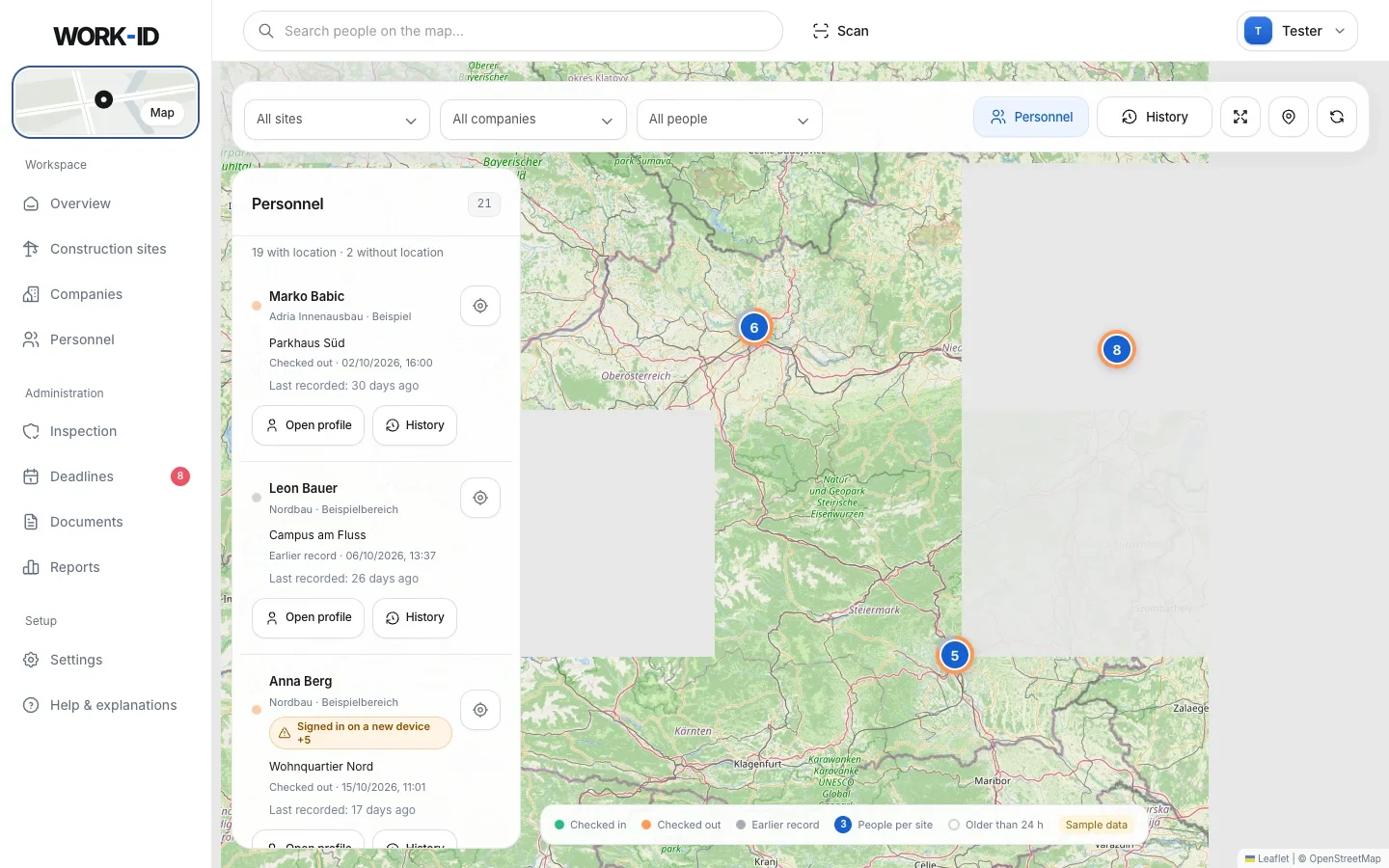
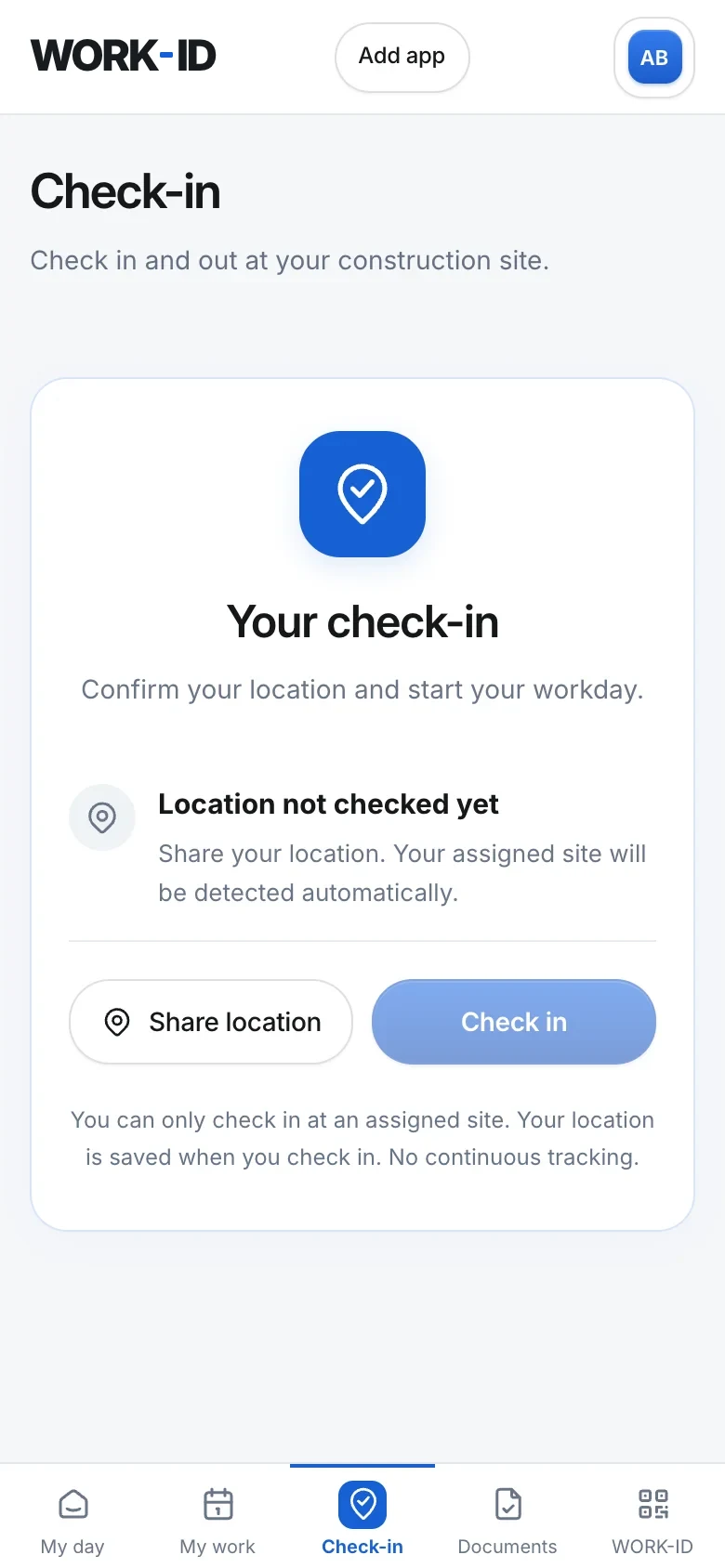
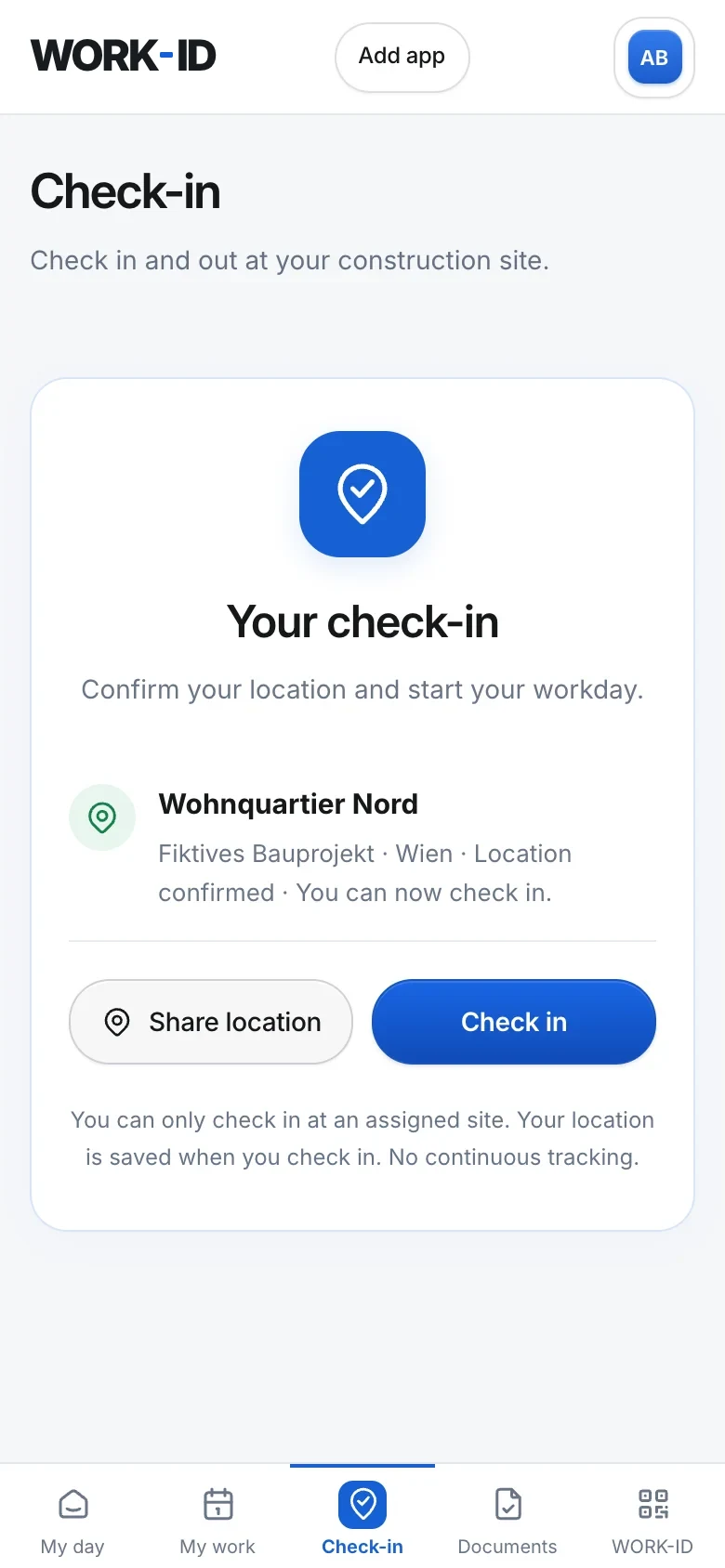
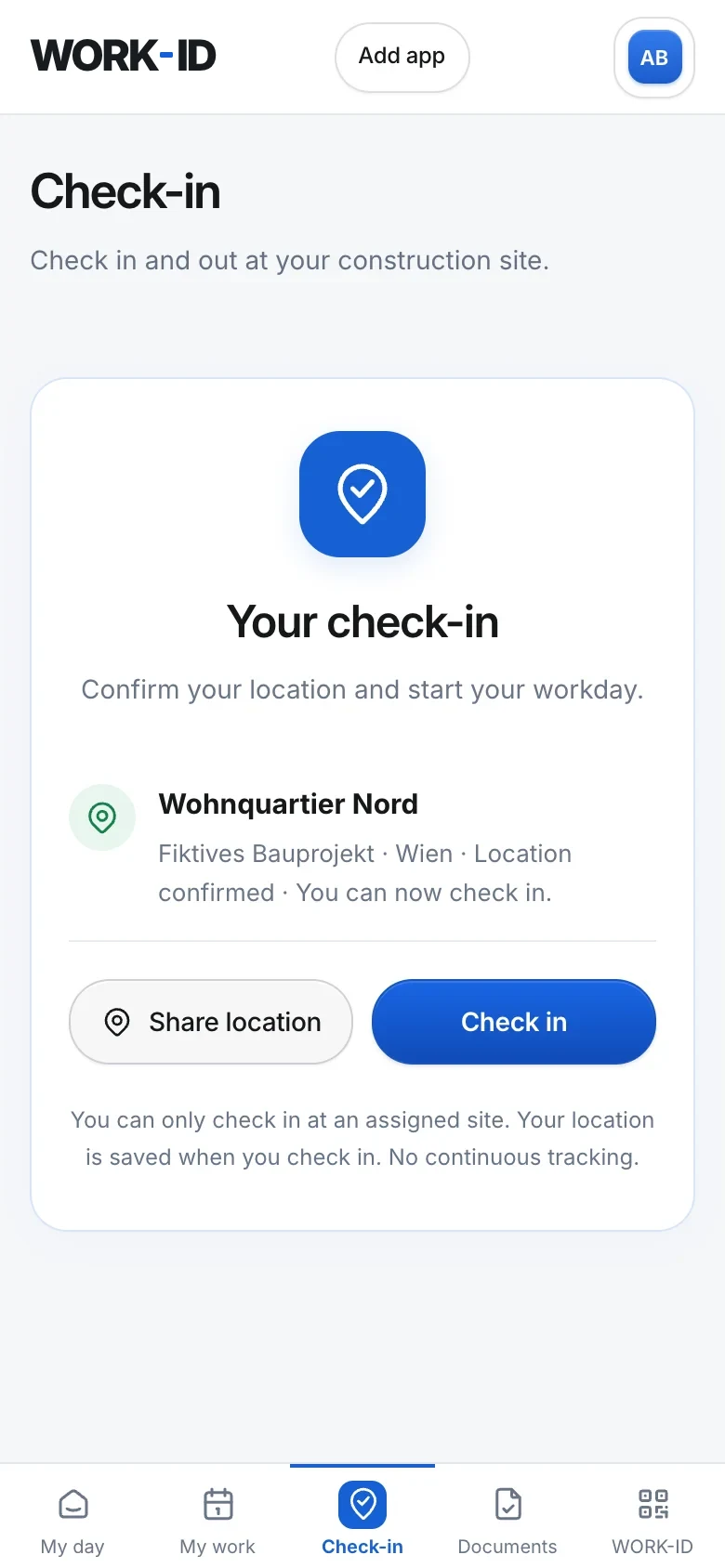
Workers check in on their phone. WORK-ID verifies the location, recognises the assigned site – and the map in the office instantly shows who is checked in where.
- Check-in on site only: within 200 m of the site point, with at most 100 m GPS inaccuracy.
- Site detected automatically: no dropdown, no typos – the assigned site is recognised.
- History per person and site: filter, load older entries, export as CSV.
- No constant tracking: the location is only requested at check-in.
This is what your working day in WORK-ID looks like.
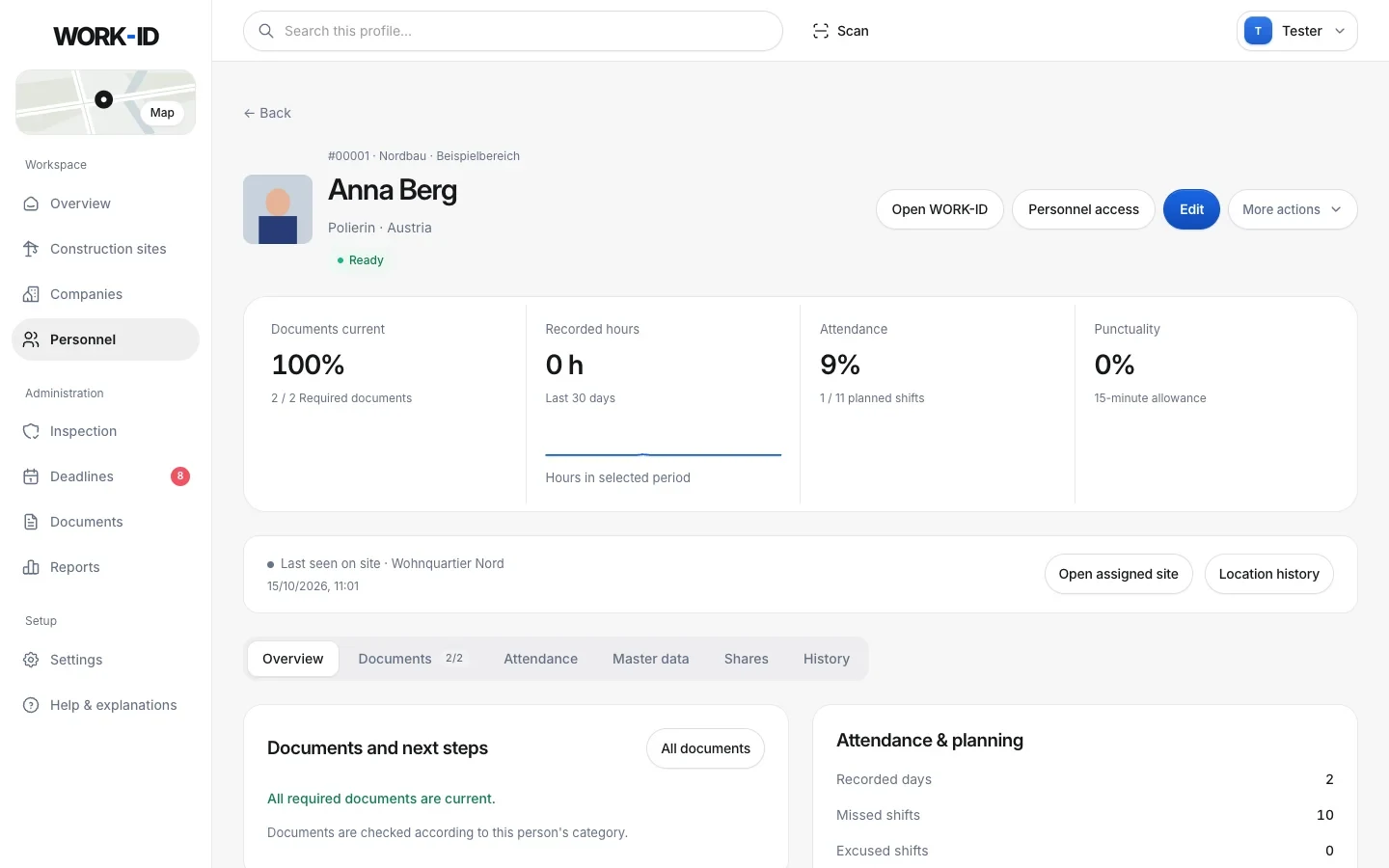
Real WORK-ID screens – with fictional sample data.
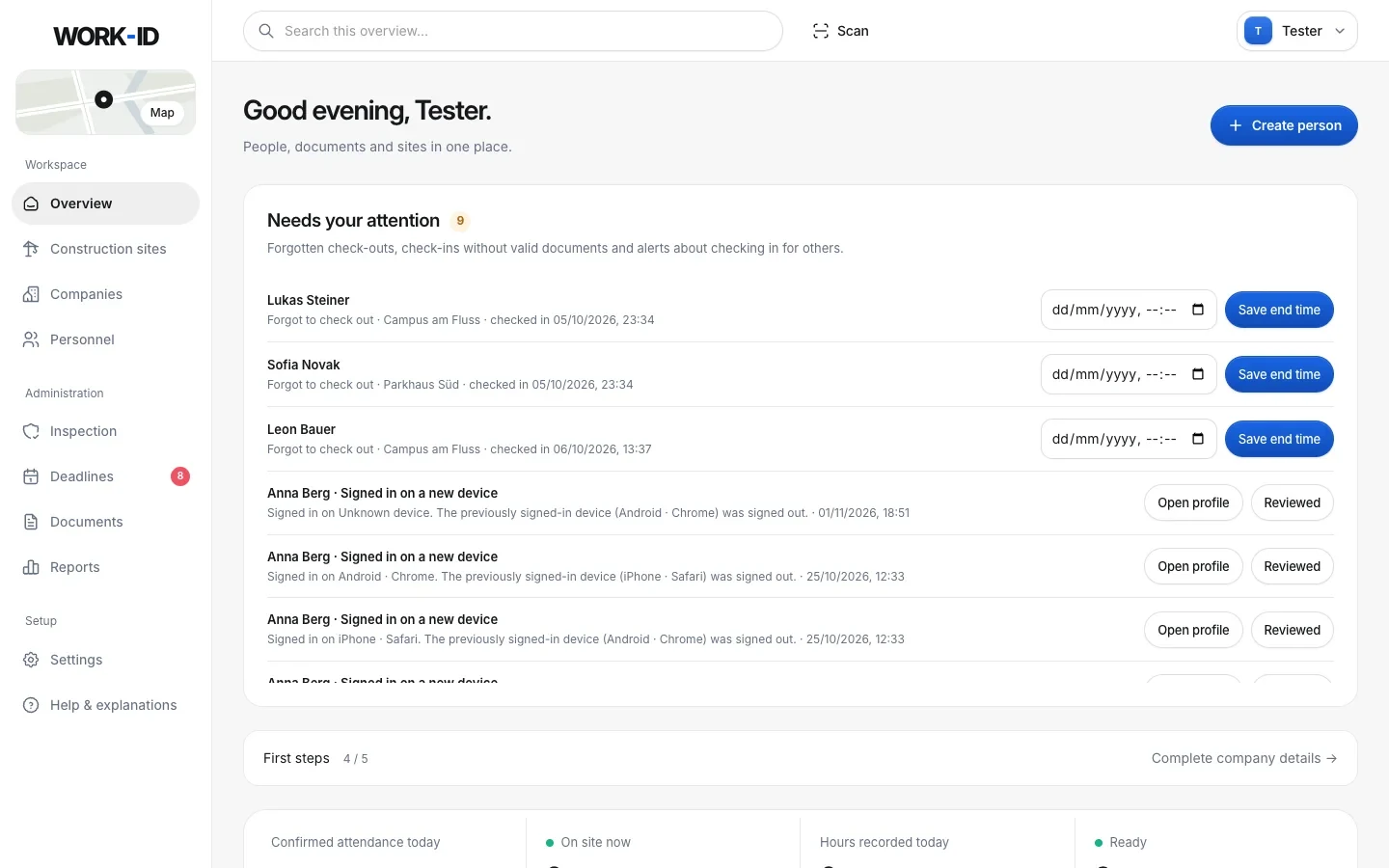
What needs doing today: open documents first, readiness per site.
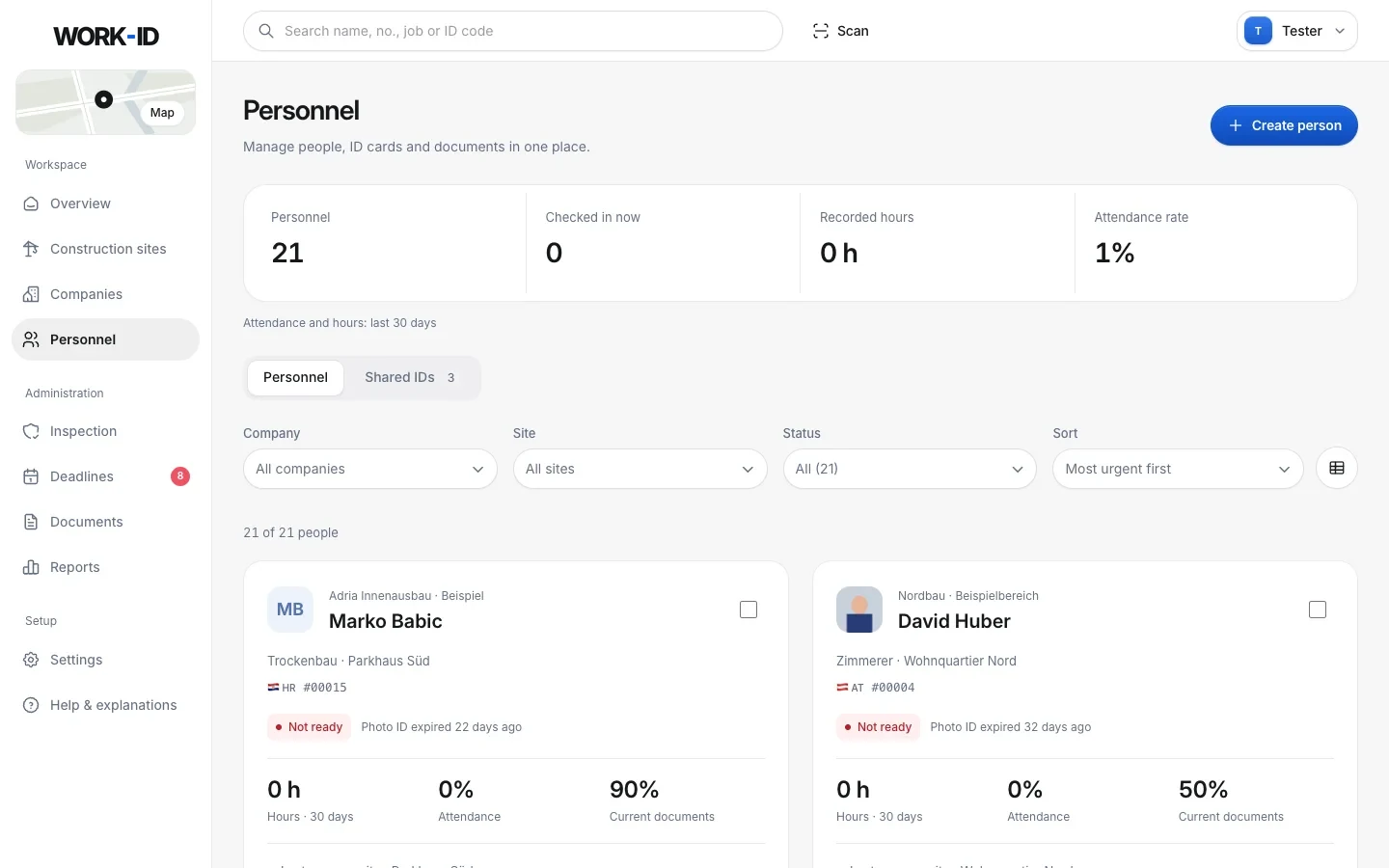
Everyone from every company – with status, hours and attendance.
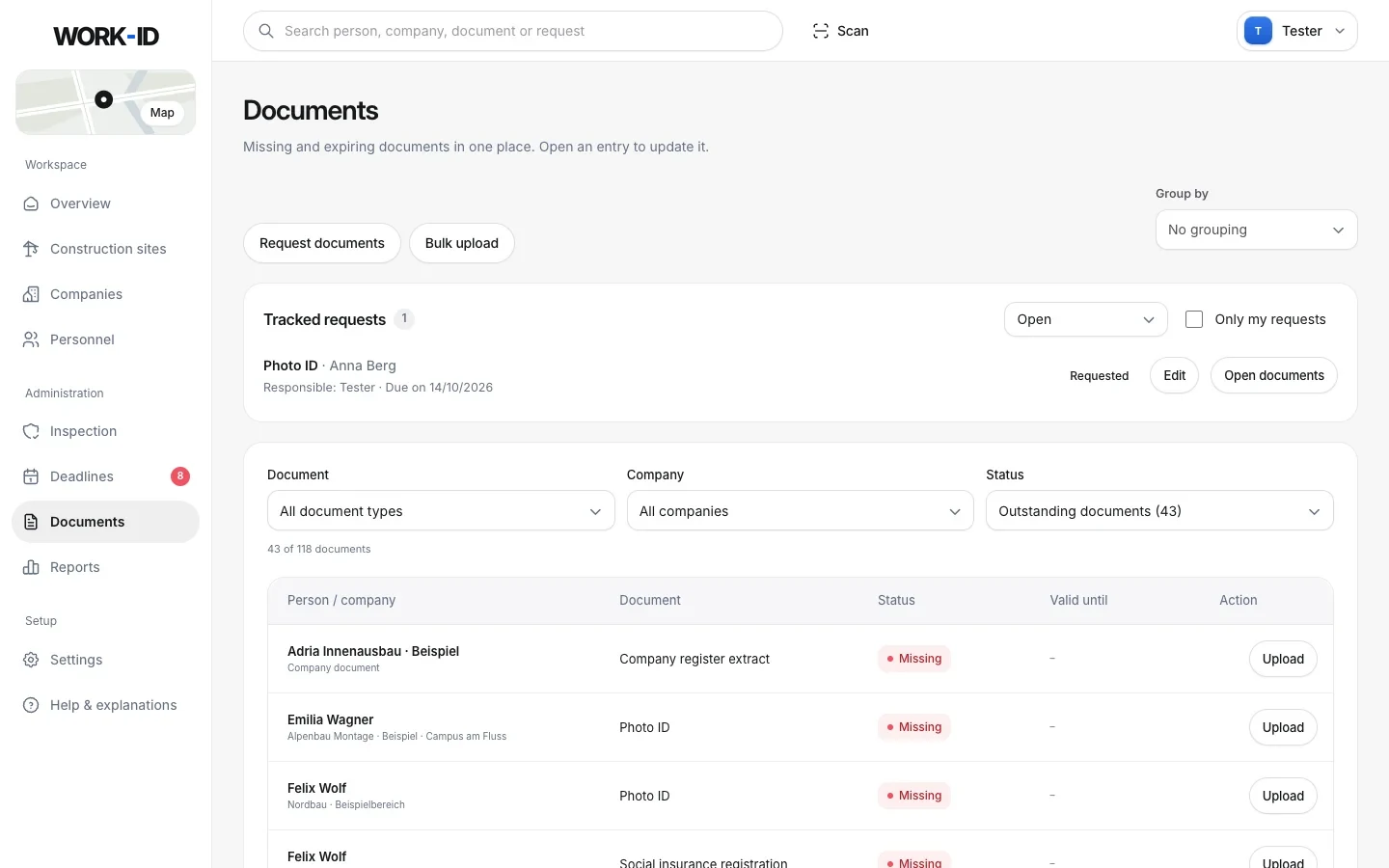
Missing, expired, expiring soon – upload or request directly.
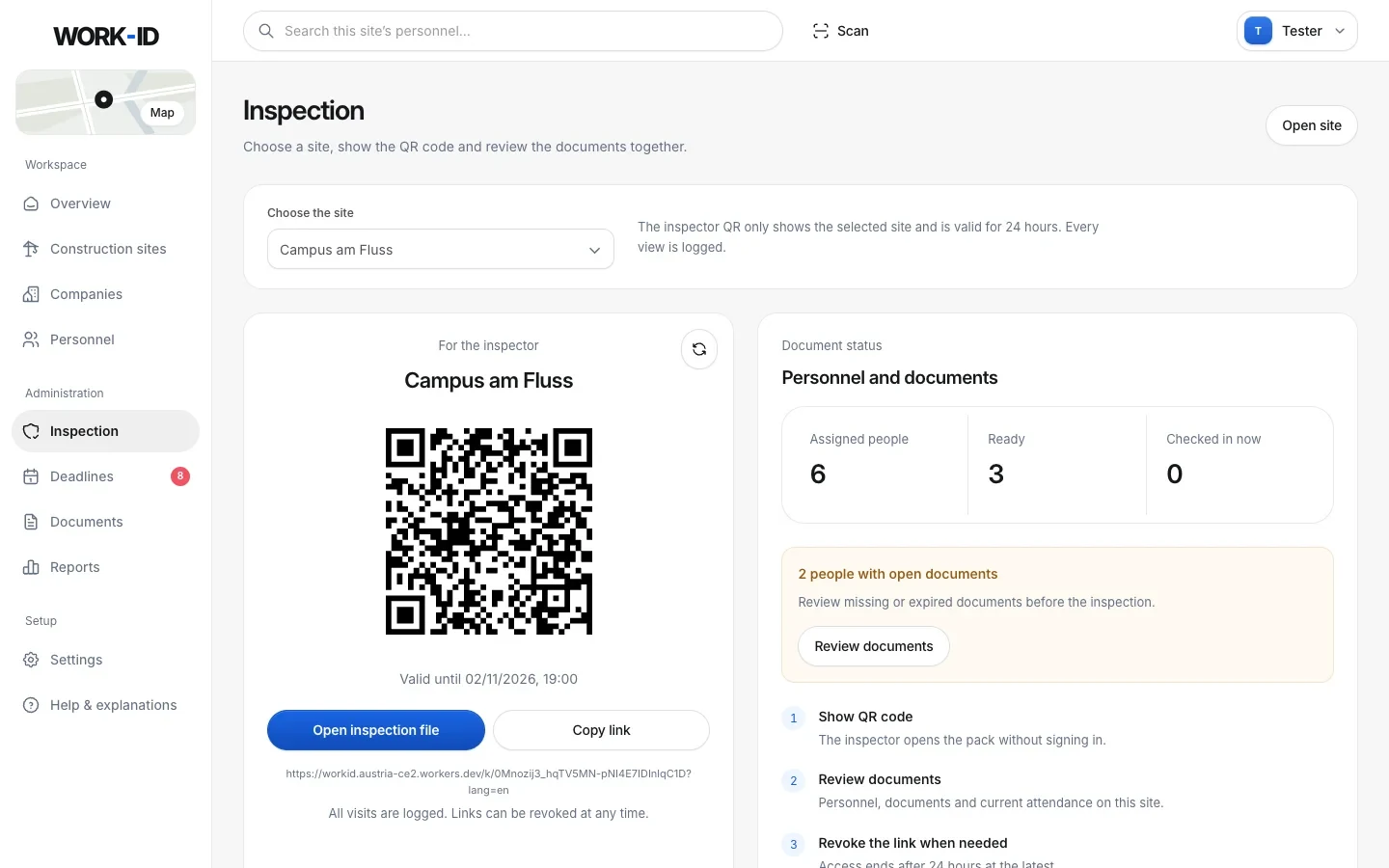
A fresh QR code per site – valid for 24 hours, revocable at any time.
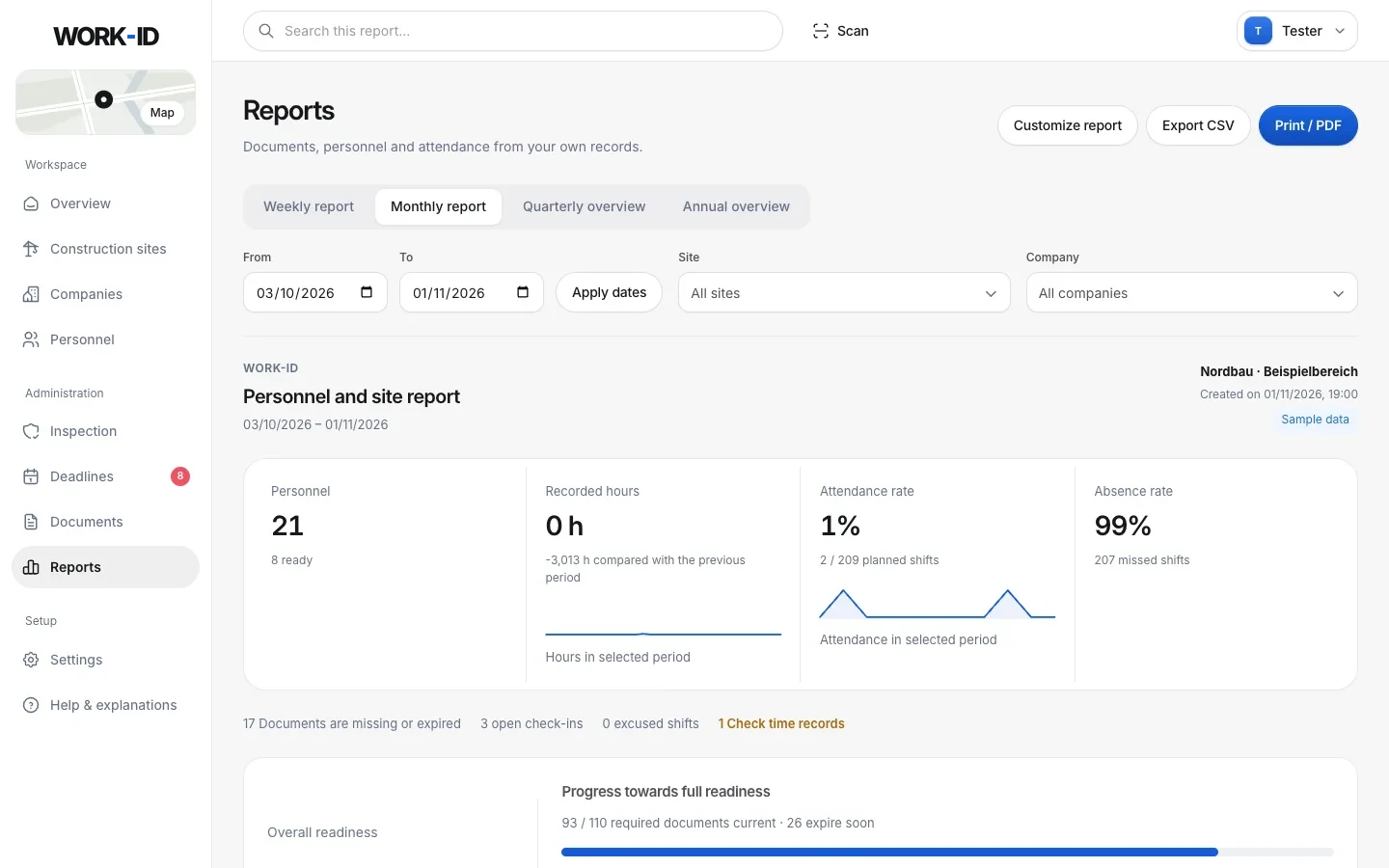
Monthly report with hours, attendance and readiness – as CSV or PDF.
The financial police are at the gate. You show a QR code.
No binder, no searching the site container, no call to the office. The inspection folder is always up to date because it comes straight from WORK-ID.
Choose the site
Pick the site under “Inspection”. WORK-ID automatically creates a new inspector QR code.
Show the QR code
The inspector scans it with their phone and opens the folder – no account needed, in German or English.
Everything on record
The link is valid for 24 hours and only for this site. Revocable, and every access is logged.
Everyone on site sees exactly what they need.
Clients & main contractors
Every subcontractor in view
Who is on your site, from which company, with which documents – live.
Subcontractors
Maintain once, show everywhere
Record people and documents once and share them with every client by code.
Site managers
Scan instead of search
Scan an ID card, open the person, see check-ins, show the inspection QR.
Workers
Their own worker portal
My day, assignments, check-in, their own documents and the WORK-ID card on their phone.
From your old program or Excel – no retyping.
Upload a data sheet PDF. The AI fills in the form, crops the profile photo and splits every document into its own file – with its expiry date or month. You check briefly and save.
- Personnel lists: paste from Excel or upload as CSV – up to 500 people per run.
- Columns are detected, and missing companies and sites can be created for you.
- Documents without third-party logos – only the actual scan, no headers or footers.
- Company by VAT number: name, country and address from the EU database, logo from the website.
Short answers.
Who reminds us of reporting deadlines?
WORK-ID does. The deadline calendar collects everything that is coming up: ZKO notification before work starts, monthly reports between the 1st and 15th of the following month, exit reports, expiring documents and long postings from 12 and 18 months. Tick off what's done and add the rest to Outlook or your phone as a calendar file.
Do my people need an app?
No. WORK-ID runs in the browser – on the office computer and on phones on site (iPhone and Android). Workers can get their own login to the worker portal if you want.
How quickly can we switch?
Paste personnel lists from Excel or CSV (up to 500 people per run, columns are detected). The AI import reads data sheet PDFs from other programs: personal details, photo and every document with its expiry date – you check briefly and save.
Is my people's location tracked all the time?
No. There is no background tracking. The location is only requested at the moment someone checks in themselves. The map shows the last recorded site and time – no movement profiles.
What does an inspector see?
You show a fresh QR code. Without logging in, the inspector opens the inspection folder for the chosen site with all people and documents – in German or English, and printable. The link is valid for 24 hours, you can revoke it at any time, and every access is logged.
Can subcontractors manage their own people?
Yes. You send a subcontractor a site code by WhatsApp, email or link. They create their own WORK-ID account and assign their people to the site – and you see people and documents live, without copies.
Ready for the next inspection?
Create your company, add your first people, show the QR code. No installation, no card orders – right in the browser.