Every site. Every check-in. Live on one map.
Workers check in on their phone, WORK-ID verifies the location and recognises the site. In the office you see at once who is where – no calls, no lists, no constant tracking.
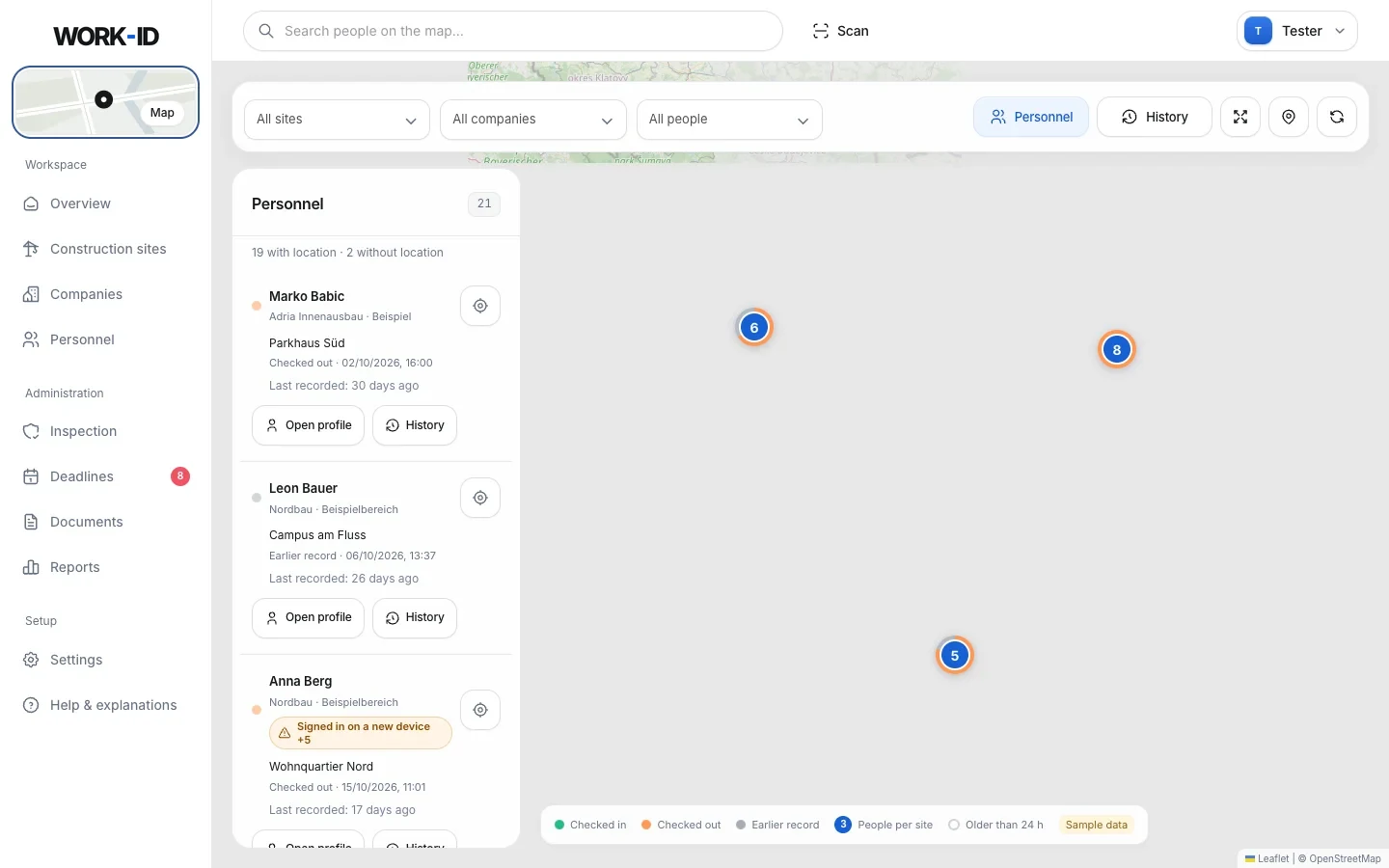
All sites at a glance – a real WORK-ID screen with the sample workspace. Map data © OpenStreetMap.
Four steps. No room for typos.
A check-in only counts if the person is really on their site. That needs no hardware at the site fence – just a phone.
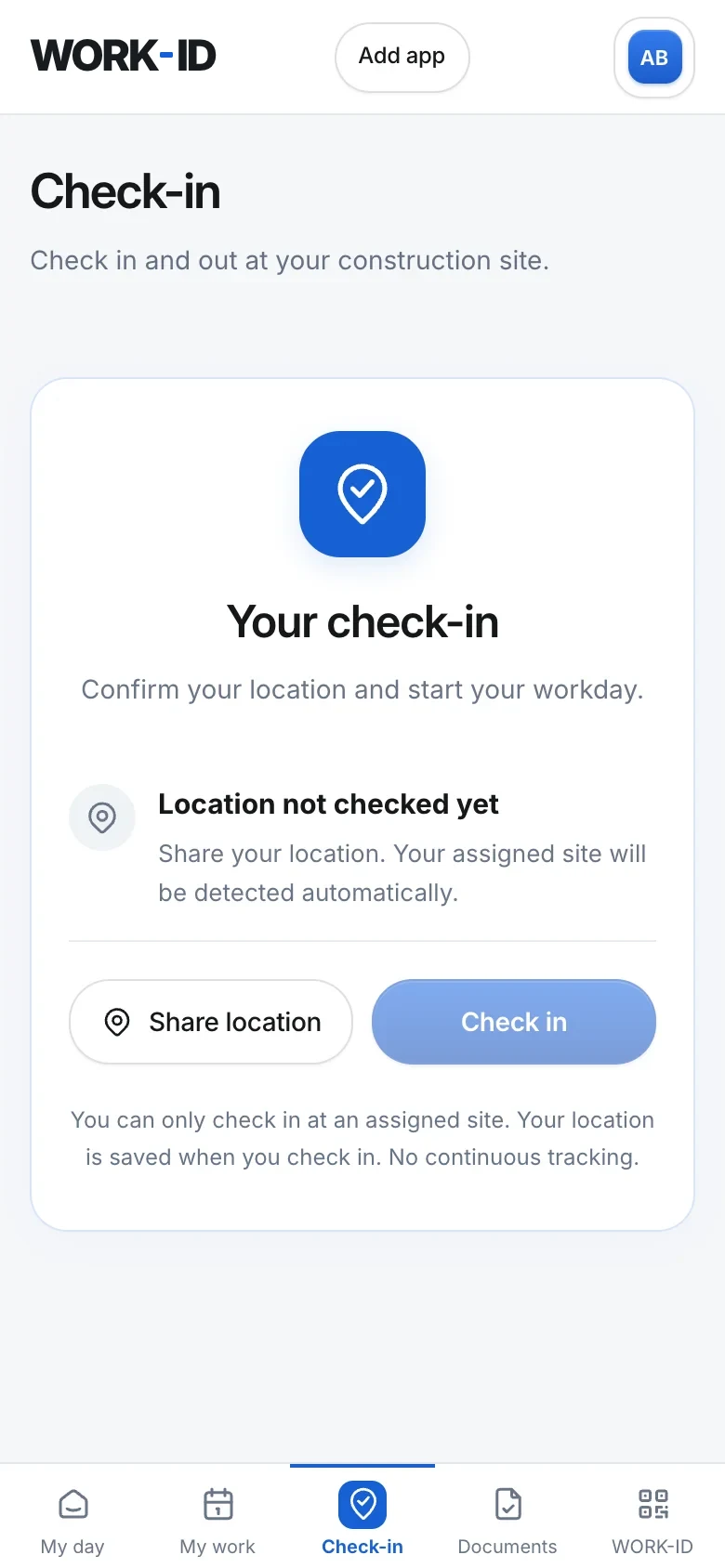
Share location
Tap “Share location” in the worker portal. Without a position, check-in stays locked.
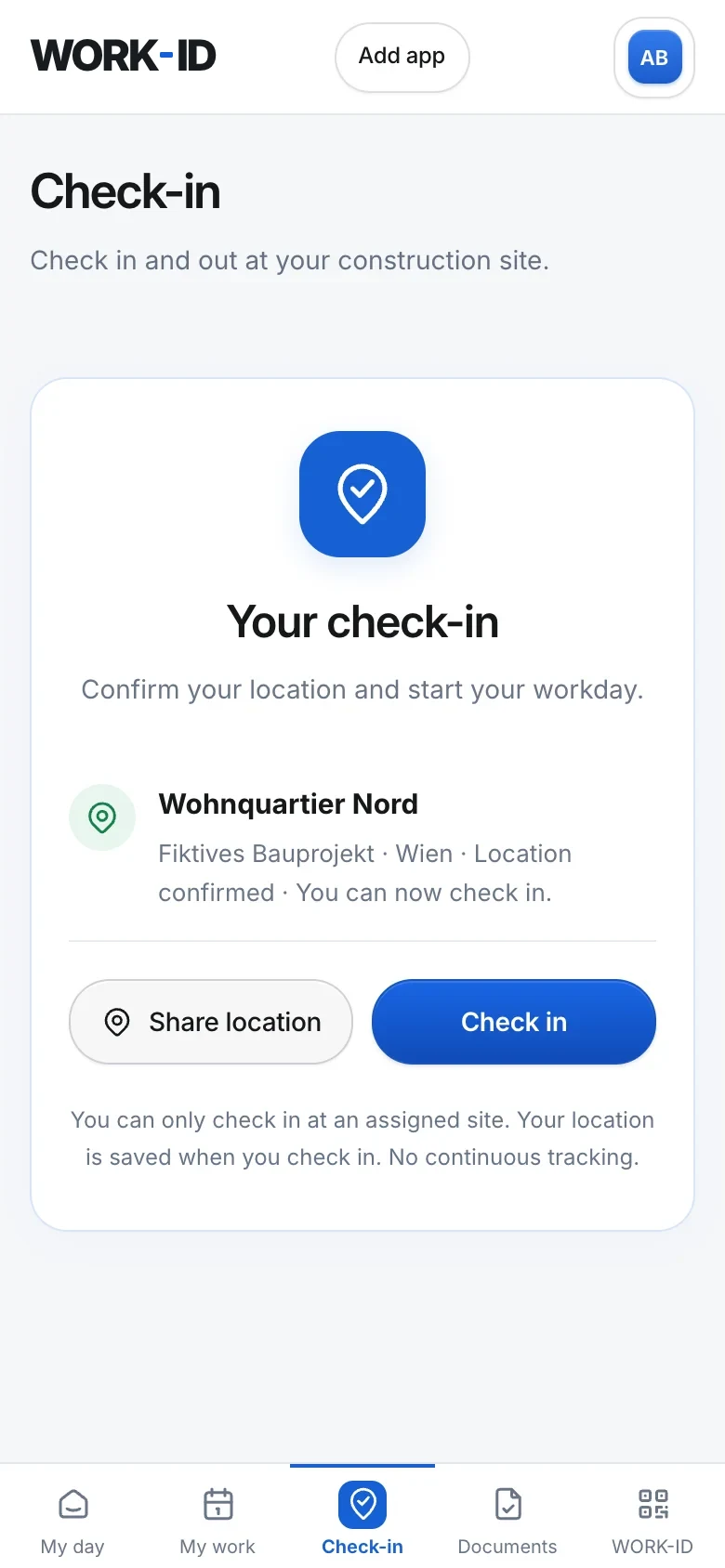
Site is recognised
An assigned, active site within 200 m is shown automatically.
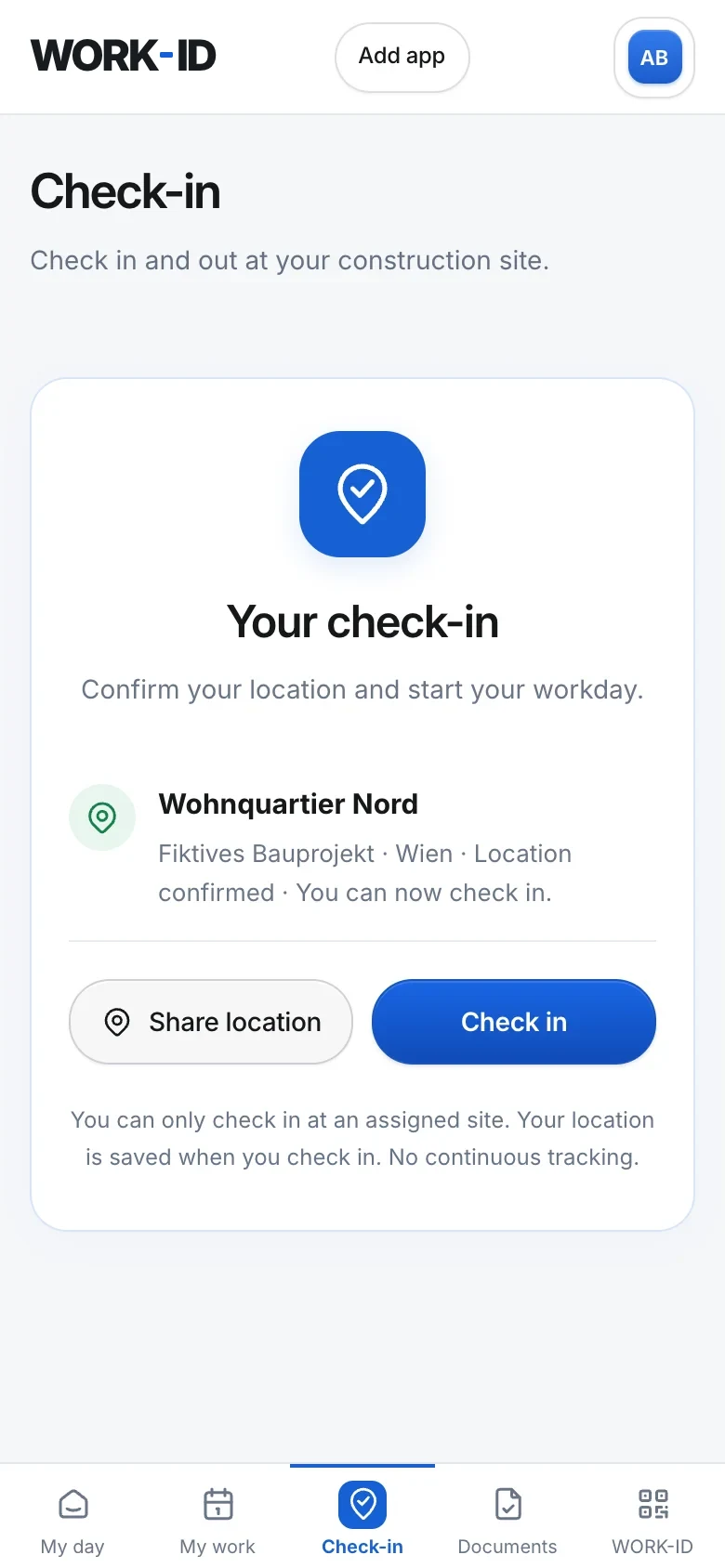
Check in
On tap, the position is measured again and confirmed – not if it is more than 100 m inaccurate.
On the map
The person appears in the office with site and time. Checking out is just as easy.
The answer to “Who is where today?”
Last site per person
Status checked in, checked out or earlier record – with time, company and direct access to the profile.
History with filters
Filter by keyword, area and period, load older entries, export the displayed entries as CSV.
Site locations
The office sets each site point once. It defines the radius for check-in.
Filter by company and attendance
Just one site, just one subcontractor, or only those checked in right now – in one click.
Hours and rates
Check-ins feed into hours, attendance and punctuality per person, site and company.
On phone and desktop
On desktop the list sits on the left, on phones it's a sheet you pull up. Scroll-wheel zoom and a colour map.
Transparency for the site. No surveillance of people.
WORK-ID is built so that works councils and staff can live with it: it records the check-in on site – not the journey there.
- No background tracking, no movement profiles.
- The location is only requested at the moment someone checks in themselves.
- Where there is only a site check-in, the map shows no live position.
- Workers only see their own data in the portal.
| What | WORK-ID |
|---|---|
| Position at check-in | |
| Site and time | |
| Background tracking | |
| Movement profiles | |
| Check-in without location | |
| Extra hardware needed |
Show your team the map.
Set site points, assign people, send worker logins – the first check-in can happen today.